
Selling or recycling a PC or laptop requires more than just deleting files. Even after formatting, sensitive data can often be recovered. To securely wipe HDD before sale, you need proper methods for hard drive data sanitization to prevent unauthorized access.
This hard drive data wipe guide covers DIY methods for Windows, Linux and external drives, as well as professional certified solutions.
The Enterprise Challenge: Why Standard Deletion Fails the Compliance Test
When decommissioning corporate IT assets, there is a massive difference between making data invisible and making it unrecoverable. Many organizations still rely on traditional operating system formatting or basic open-source software utilities to clear old company hard drives. While these manual methods might deter a casual user, they fail to meet the rigorous compliance demands faced by businesses today.
The Blind Spots of Manual Wiping
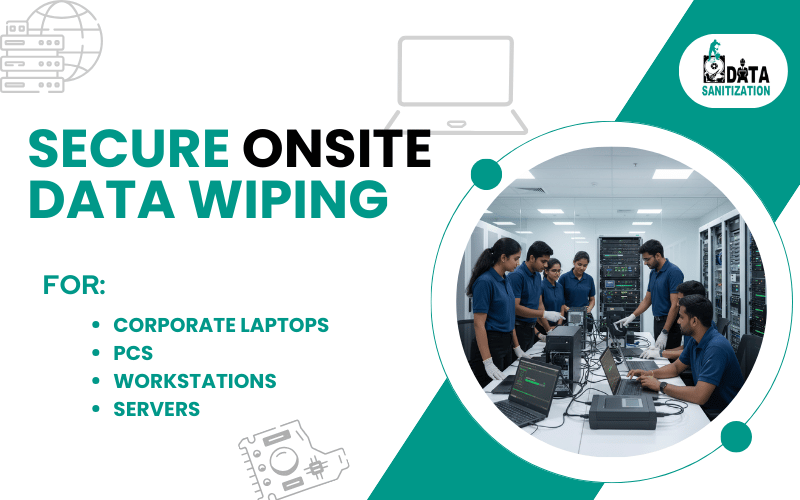
Modern enterprise storage is no longer monolithic. A single server rack can contain a mix of traditional magnetic Hard Disk Drives (HDDs), high-speed Solid-State Drives (SSDs), and NVMe arrays. If your IT team applies a standard legacy overwrite—such as the old DoD 5220.22-M three-pass standard—to an SSD, you aren’t just wasting time; you are leaving data behind. SSD architecture relies on wear-leveling controllers that hide data fragments in over-provisioned sectors. These hidden blocks are completely invisible to standard wiping software, creating “zombie data” vulnerabilities that advanced forensic recovery tools can easily exploit.
Meeting the Mandate of the DPDP Act
Leaving data fragments on retired storage media isn’t just a technical oversight; it is a major regulatory liability. Under India’s Digital Personal Data Protection (DPDP) Act, corporations are legally classified as Data Fiduciaries. Handing off or reselling a drive without a verifiable audit trail can expose your organization to devastating penalties.
To achieve true audit-readiness, corporate data erasure must transition to NIST 800-88 Rev. 1 guidelines. This standard uses firmware-level purge commands to guarantee that every single block of storage—visible or hidden—is completely sanitized. More importantly, it integrates with automated enterprise systems to generate an immutable Certificate of Destruction, providing the definitive proof your legal team needs during a regulatory audit.
Why You Should Wipe Your Hard Drive Before Selling
Leaving data on old devices can result in identity theft, financial loss or exposure of confidential information. Securely wiping a hard drive ensures:
- No data recovery possible
- Compliance with privacy regulations
- Safe resale or donation of laptops and desktops
- Protection of personal or business information
DIY Methods to Wipe Your Hard Drive Safely
Windows Tools
- Reset This PC: In Windows 10/11, select Reset this PC → Remove everything → Fully clean the drive.
- Disk Management / Format: A basic format may remove visible files, but wipe HDD no data recovery requires secure overwrite tools.
Linux Tools
- Use terminal commands like shred or dd to overwrite the disk multiple times.
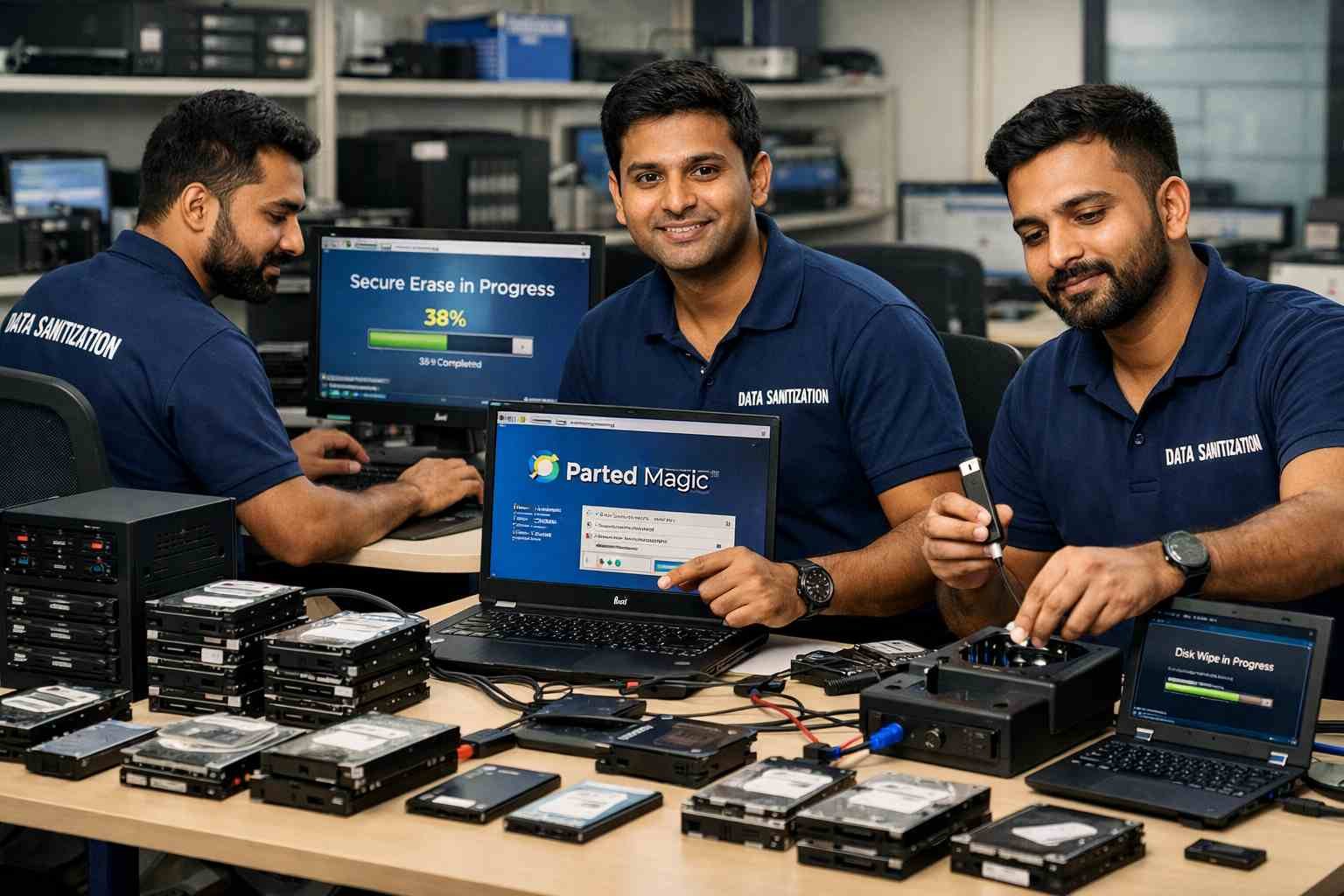
- Bootable tools such as Parted Magic provide HDD data sanitization safely and effectively.
Wiping External Hard Drives
- Use HDD wipe software (free & paid) to erase USB or external drives before resale.
- Overwriting the entire drive ensures no recoverable data remains.
Full Format
A full format is fast, but data recovery is possible with specialized tools. It is not recommended for secure resale preparation.
Recommended HDD Wipe Software
There are both free and paid tools to wipe hard drives:
Free Options:
- DBAN (Darik’s Boot and Nuke)
- Eraser
- CCleaner Drive Wipe
Paid / Certified Options:
- Blancco
- Active@ KillDisk
- Data Sanitizations licensed HDD software
Certified software ensures verified reports and compliance with NIST and ISO standards, making it ideal for businesses and sensitive personal data.
Hard Drive Wipe Checklist Before Selling PC
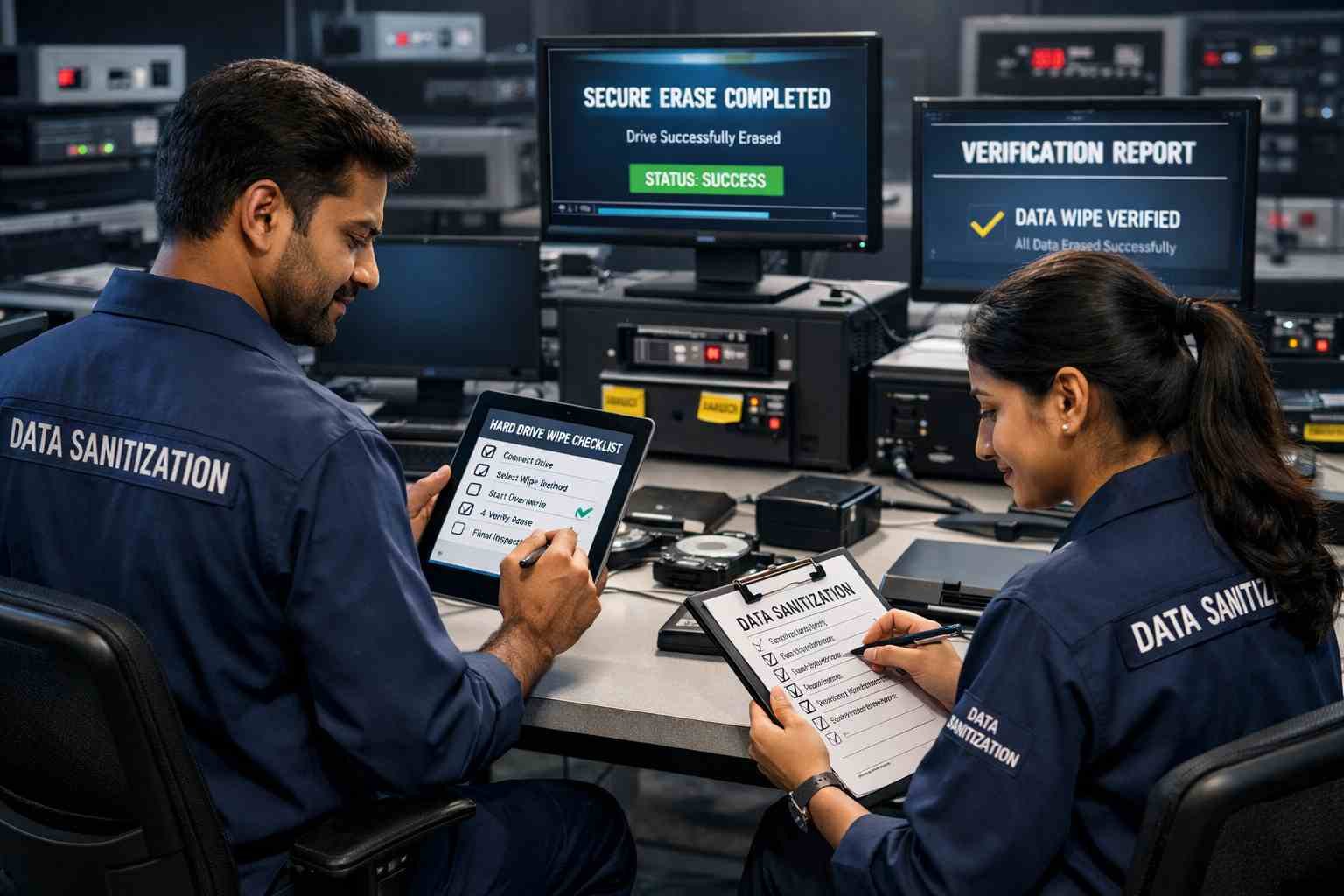
Use this hard drive wipe checklist to make sure no data is left behind:
- Backup important files
- Log out and remove all accounts (Microsoft, Google, etc.)
- Boot into OS wipe tools or certified software
- Overwrite the entire disk multiple times
- Verify wipe completion
- Generate proof of erasure (for certified tools)
- Reinstall the OS if selling or donating
Following this checklist ensures your disk is clean before selling laptop/desktop.
Why Certified HDD Data Sanitization is Better Than DIY
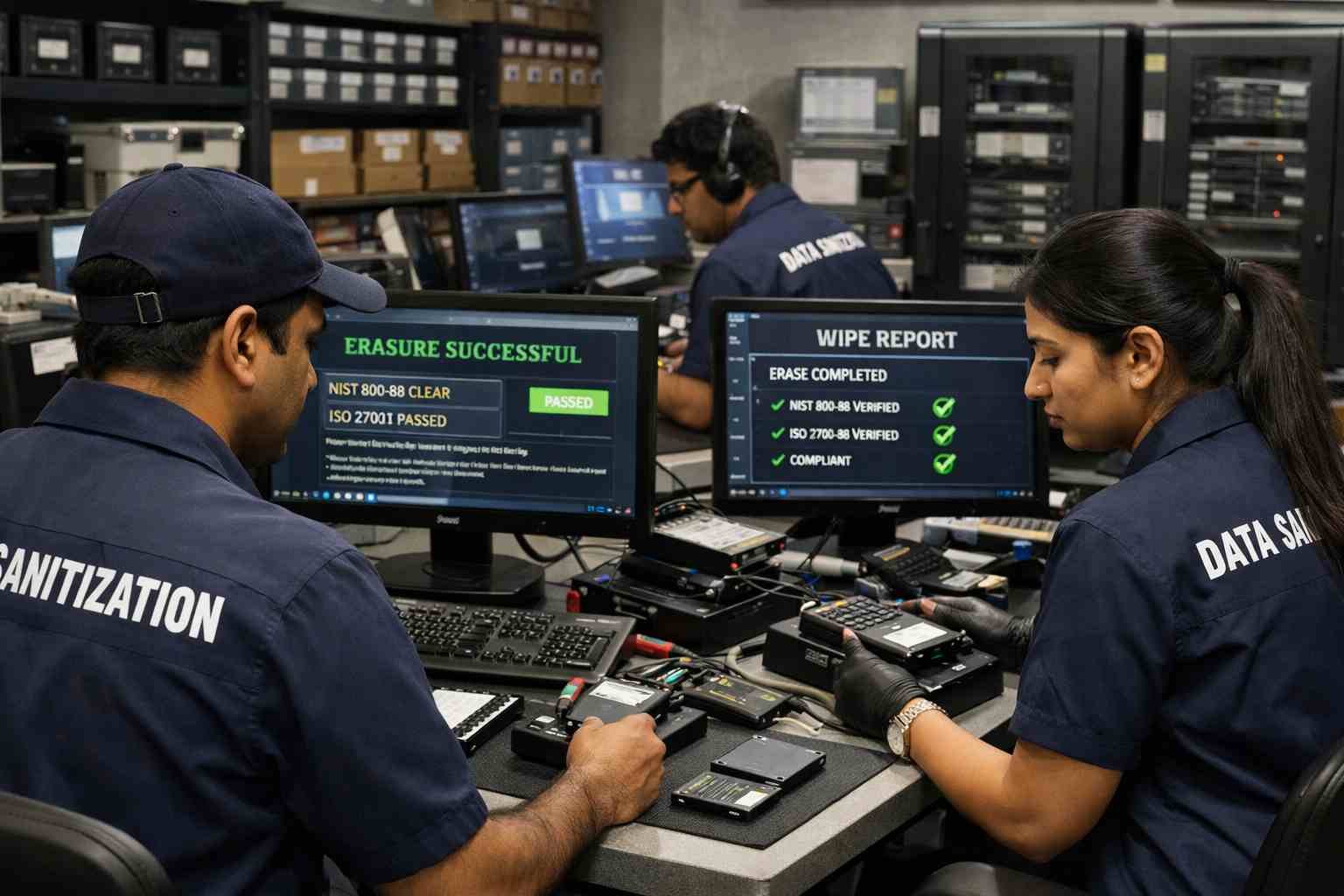
DIY methods can work, but they often leave residual data and cannot provide proof of completion. Certified services like Data Sanitizations offer:
- Complete and verified data destruction
- Certified software with report generation
- Compliance with NIST and ISO standards
- Safe erasure for laptops, desktops and external drives
- Peace of mind that data is permanently unrecoverable
Contact Information
Phone: +91-852-770-9690
Email: support@datasanitization.in
Website: www.datasanitization.in
Conclusion
Whether using DIY methods or professional services, it’s essential to wipe your hard drive before selling or recycling. DIY tools may work, but for guaranteed, verified HDD data sanitization, professional solutions like Data Sanitizations are recommended.
We provide:
- Certified HDD wiping services
- Licensed software for secure erasure and automated report generation
- Compliance with international standards
- Peace of mind and permanent data destruction
Protect your sensitive data and leave no traces behind when selling or recycling your PC or laptop.