
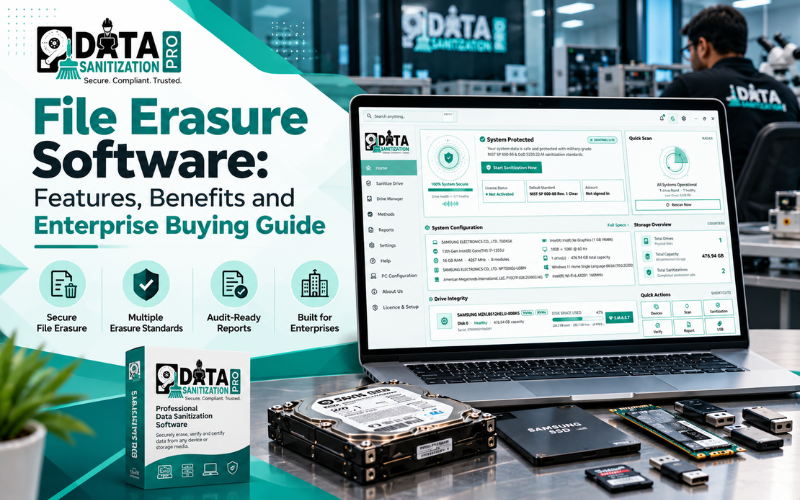
File erasure software helps businesses remove confidential files, customer records, financial documents and other sensitive information from storage devices. Unlike ordinary deletion, secure file erasure uses a suitable sanitization method to reduce the risk of data recovery.
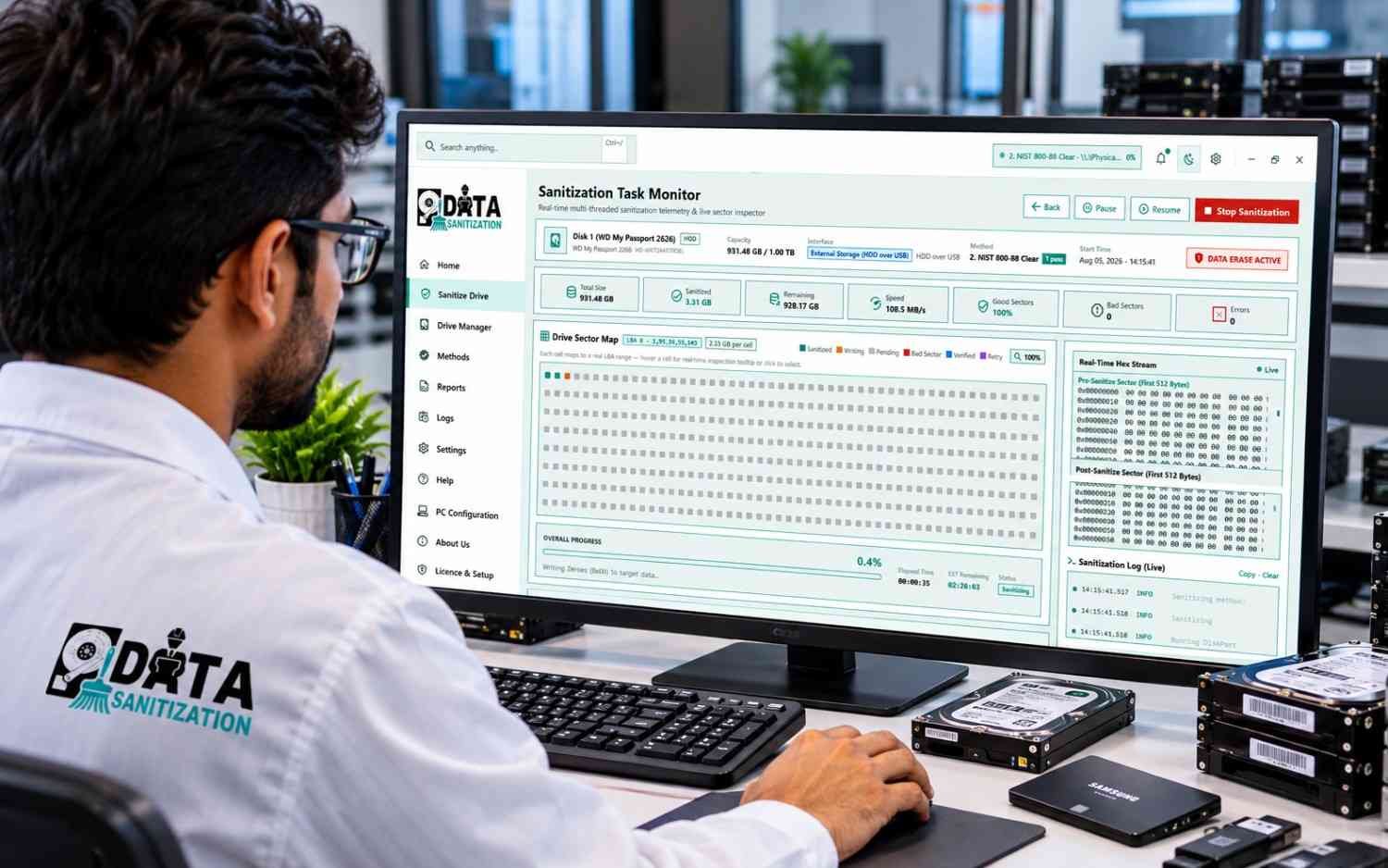
For enterprises, choosing the right software involves more than deleting individual files. Organizations may also need disk sanitization, partition erasure, free-space sanitization, verification, signed certificates, hardware assessment and efficient processing of multiple computers.
Data Sanitization Pro brings these capabilities together in an integrated data sanitization platform developed in India. It supports disk, partition, file and folder and free-space sanitization, along with verification, reporting, bootable USB, PXE network boot and hardware diagnostics.
This guide explains what file erasure software does, which features matter for enterprise use and how Data Sanitization Pro compares with Blancco and BitRaser.
What Is File Erasure Software?
File erasure software is designed to securely remove selected files or folders from supported storage. Depending on the product, it may also sanitize unused disk space, logical volumes, partitions or complete storage devices.
Normal deletion usually removes a file’s reference from the file system. The underlying data may remain until it is overwritten or removed through an appropriate sanitization process.
Secure file erasure software helps address this risk by applying a supported method to the selected data. Professional solutions may also provide verification results and reports that help organizations document the operation.
Businesses use file erasure software to help protect:
- Customer and employee information
- Financial records and business documents
- Confidential contracts and project files
- Temporary files and eligible deleted-data remnants
- Sensitive information on computers being reassigned
- Data on storage devices being prepared for reuse
For organizations handling large numbers of computers and storage devices, an integrated data sanitization solution can support more than file deletion alone.
Why Businesses Need Professional Data Erasure Software
Deleting files manually can be sufficient for routine file management, but it does not establish that sensitive data has been securely sanitized.
Professional data erasure software helps organizations implement a more consistent process.
1. Protect confidential information
Customer records, financial documents and internal business files should not remain accessible after they are no longer needed. Appropriate sanitization helps reduce the risk of exposing sensitive information during device reuse or disposal.
2. Support data retention policies
Organizations should retain information for legitimate business or legal requirements and remove it when appropriate under their policies. File-level sanitization can support these workflows when the selected method and storage environment are suitable.
3. Improve verification and accountability
A completion message is not the same as evidence that an operation achieved its intended result. Verification information and device-linked reports help IT teams identify unsuccessful operations and maintain records.
4. Process multiple devices efficiently
IT departments, data centres, refurbishment companies and IT asset disposition (ITAD) providers may handle many computers and storage devices. Batch processing, bootable media, network deployment and centralized records can help reduce manual work.
5. Prepare devices for reuse
Before a computer or storage device is reassigned, sold or recycled organizations should select an appropriate sanitization method based on the media, information sensitivity and intended use.
Data Sanitization Pro vs Blancco vs BitRaser
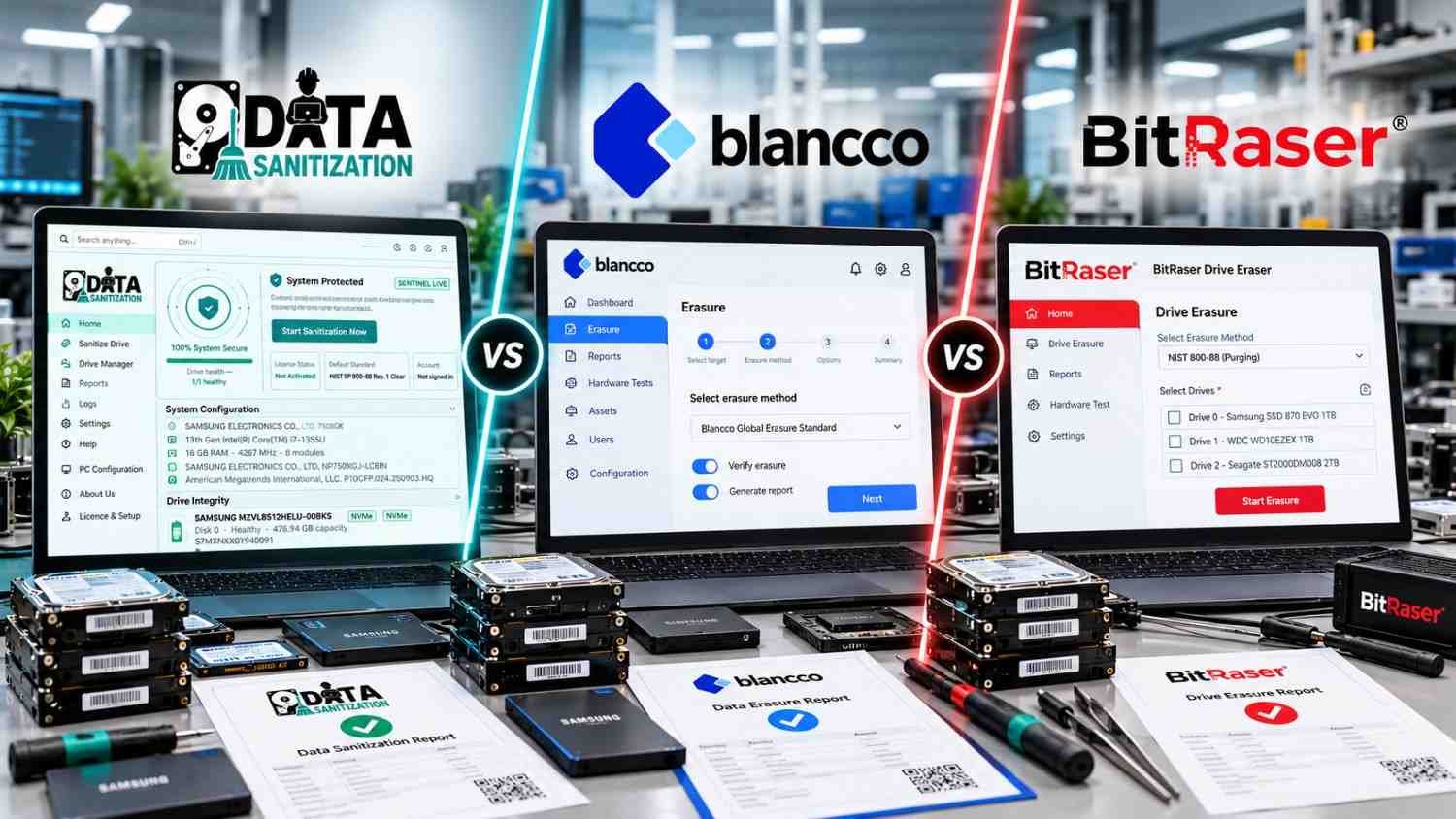
When evaluating enterprise data erasure software, compare the specific products and editions rather than comparing company names alone.
Data Sanitization Pro is designed to combine multiple sanitization workflows with verification, reporting, bootable USB/PXE deployment and hardware diagnostics. Blancco File Eraser and BitRaser File Eraser focus on file-level erasure and related enterprise workflows, while their respective vendors also offer separate products for full-drive sanitization.
Feature | Data Sanitization Pro | Blancco File Eraser | BitRaser File Eraser |
File and folder sanitization | Yes | Yes | Yes |
Free-space sanitization | Yes | Yes | Yes |
Full-disk sanitization | Yes, within DSP’s supported workflows | Separate Blancco drive-erasure product | Separate BitRaser drive-erasure product |
Partition sanitization | Yes | Check the specific product and workflow | Volume erasure is documented for supported Windows/Linux editions |
Verification and reporting | Post-erasure verification and signed certificates | Digitally signed erasure certificates | Digitally signed reports and verification options |
Bootable USB | Supported | Boot-based workflows available through relevant Blancco products | Boot-based workflows available through relevant BitRaser drive products |
PXE network boot | Supported | Available in relevant enterprise drive-erasure workflows | Check the specific product and edition |
Hardware diagnostics | Integrated PC hardware assessment | Evaluate the relevant Blancco products and workflow | Evaluate the relevant BitRaser products and workflow |
Licensing approach | Per-device licensing; current product pages describe licences without recurring renewal | Enterprise pricing and licensing depend on the solution | Licensing depends on product and edition |
Platform considerations | Current DSP product information lists Windows 10, Windows 11 and Windows Server | File Eraser supports its documented desktop and server environments | File Eraser supports documented Windows, macOS and Linux editions |
This comparison reflects published product information. Capabilities can vary by version, operating system, licence and product edition. Verify the exact configuration before purchasing.
What makes Data Sanitization Pro stand out?
DSP’s key differentiator is the combination of multiple sanitization scopes and asset-processing capabilities within one platform. Organizations can evaluate file/folder, free-space, partition and full-disk workflows alongside verification, reporting, hardware diagnostics and bootable USB/PXE deployment.
This can be particularly useful for businesses that need to sanitize devices and assess their condition before reuse, resale or retirement.
Blancco and BitRaser also offer enterprise erasure and reporting capabilities. The best fit depends on the precise workflow, deployment model and licensing requirements of the organization.
Key Features to Look for in File Erasure Software

1. File and folder sanitization
The software should support the removal of selected files and folders without unnecessarily disrupting the rest of the system.
Data Sanitization Pro supports file and folder sanitization as part of its wider set of data erasure workflows. This helps organizations address specific file-removal requirements alongside other storage sanitization tasks.
2. Free-space sanitization
When a file is deleted normally, data remnants may remain in eligible unused storage areas. Free-space sanitization targets this unused space while preserving existing files.
This is useful when a computer will remain in service but an organization needs to address previously deleted data. Its effectiveness depends on the storage technology, file system and supported sanitization method.
3. Full-disk and partition sanitization
Sometimes the requirement extends beyond selected files. A device may be leaving the organization or a particular partition may need to be sanitized.
DSP supports both disk and partition sanitization workflows. This gives IT teams options for handling selected storage areas or complete supported drives, depending on the task.
4. Multiple sanitization methods
Different storage technologies require different approaches. HDDs, SSDs, NVMe drives and removable flash storage do not necessarily respond to the same sanitization method in the same way.
DSP lists 25 erasure standards and methods, including NIST SP 800-88 Rev. 2, DoD 5220.22-M, IEEE 2883 and other supported options.
Organizations should select a method that matches the device, information sensitivity and internal policy. More overwrite passes do not automatically provide better results for every storage type.
For reference, NIST SP 800-88 Revision 2 was published in September 2025 and supersedes Revision 1. It emphasizes establishing a media sanitization programme with appropriate techniques and controls.
5. Verification and signed certificates
Verification helps determine whether a sanitization operation achieved the intended result. Reports can also help IT teams document how each device was processed.
Data Sanitization Pro documents a post-erasure verification pass and signed certificates containing relevant device, method and result information.
For enterprise use, check that the reports provide sufficient detail for your organization’s audit requirements. A certificate supports accountability, but it does not automatically establish compliance with every applicable law or policy.
6. Bootable USB and PXE network boot
A computer’s system drive can be difficult to sanitize while the operating system is running from that same drive.
Bootable USB allows a supported computer to start a separate sanitization environment. PXE network boot can help organizations process multiple computers across a local network.
DSP supports both workflows. These features can be valuable for refurbishment facilities, ITAD operations and enterprise IT teams handling batches of retired computers.
7. Integrated hardware diagnostics
Sanitization is only one part of preparing a device for reuse. IT teams may also need to determine whether the computer is suitable for refurbishment or reassignment.
DSP includes hardware assessment and reporting, with documented checks across supported PC subsystems. This can help organizations review device condition alongside sanitization results.
8. Licensing and total cost
Before buying file erasure software, compare the total cost of ownership—not just the initial price.
Review:
- Whether licensing is per device, per user or subscription-based
- Whether renewals are required
- Which modules are included
- Whether bootable USB and PXE workflows are included
- Whether verification and certificates require an additional licence
- What support and maintenance are available
Data Sanitization Pro’s current product information describes per-device licensing without recurring renewal. Confirm the current price, licence terms and included capabilities on the official DSP pricing page.
Why Choose Data Sanitization Pro for Enterprise Data Erasure?

Data Sanitization Pro is developed in India for organizations that need supported sanitization workflows, verification, reporting and asset assessment.
Its documented capabilities include:
- Multiple sanitization workflows: Disk, partition, file/folder and free-space sanitization.
- Broad storage support: Supported HDDs, SSDs, NVMe drives, USB media and other documented storage types.
- Multiple methods: A selection of erasure methods and standards for different requirements.
- Verification and reporting: Post-erasure verification and signed certificates for asset records.
- Parallel drive processing: Support for sanitizing multiple selected drives in parallel.
- Bootable USB and PXE: Options for processing supported computers outside their normal operating system.
- Hardware diagnostics: Device assessment to support refurbishment and asset decisions.
- Offline workflows: Options for environments where continuous internet connectivity is not available.
- Per-device licensing: A model designed around the number of devices processed.
These capabilities make DSP worth evaluating for IT departments, data centres, government and enterprise IT teams, refurbishment businesses and ITAD providers.
For more information, visit Data Sanitization Pro.
How to Choose the Right File Erasure Software
Before making a decision, define your operational requirements.
If you need to remove selected files: Evaluate file and folder sanitization, free-space handling, supported operating systems and verification.
If you need to retire complete computers: Prioritize full-disk sanitization, supported boot workflows, device identification and certificates.
If you process many devices: Evaluate parallel processing, PXE deployment, operational monitoring and licence management.
If audits are important: Review sample certificates, verification details, report retention and the evidence required by your internal policies.
If you refurbish and resell equipment: Consider hardware diagnostics alongside sanitization so you can assess the device before deciding its next use.
Data Sanitization Pro is a strong option to evaluate when you want these sanitization and asset-processing capabilities in one platform. Compare the current technical documentation and test the software against representative devices before deploying it across your organization.
Conclusion
File erasure software helps organizations reduce the risk of exposing sensitive information during daily operations, device reassignment, refurbishment and retirement. Choosing the right solution means evaluating sanitization methods, storage support, verification, reporting, deployment and total cost.
Blancco and BitRaser offer established file-level erasure products with enterprise features. Data Sanitization Pro stands out for organizations seeking a combination of file, free-space, partition and full-disk sanitization, alongside verification, signed certificates, hardware diagnostics and bootable USB/PXE workflows.
For businesses that want to manage data sanitization and device assessment through a coordinated platform, Data Sanitization Pro is a strong solution to evaluate.
Explore Data Sanitization Pro: www.datasanitizationpro.com