
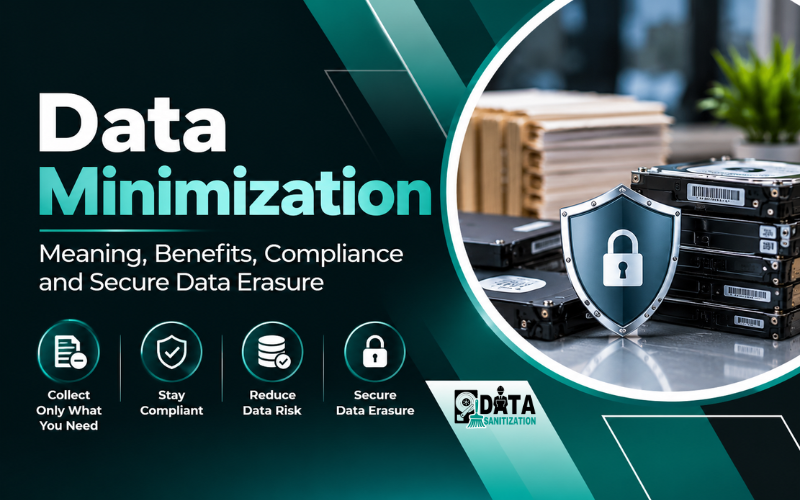
Data minimization is the practice of collecting and processing only the personal information needed for a specific purpose. It also encourages organizations to review the information they hold and avoid keeping it longer than necessary.
For businesses, data minimization is more than a privacy principle. It helps reduce unnecessary data exposure, improve information management and support responsible data protection practices.
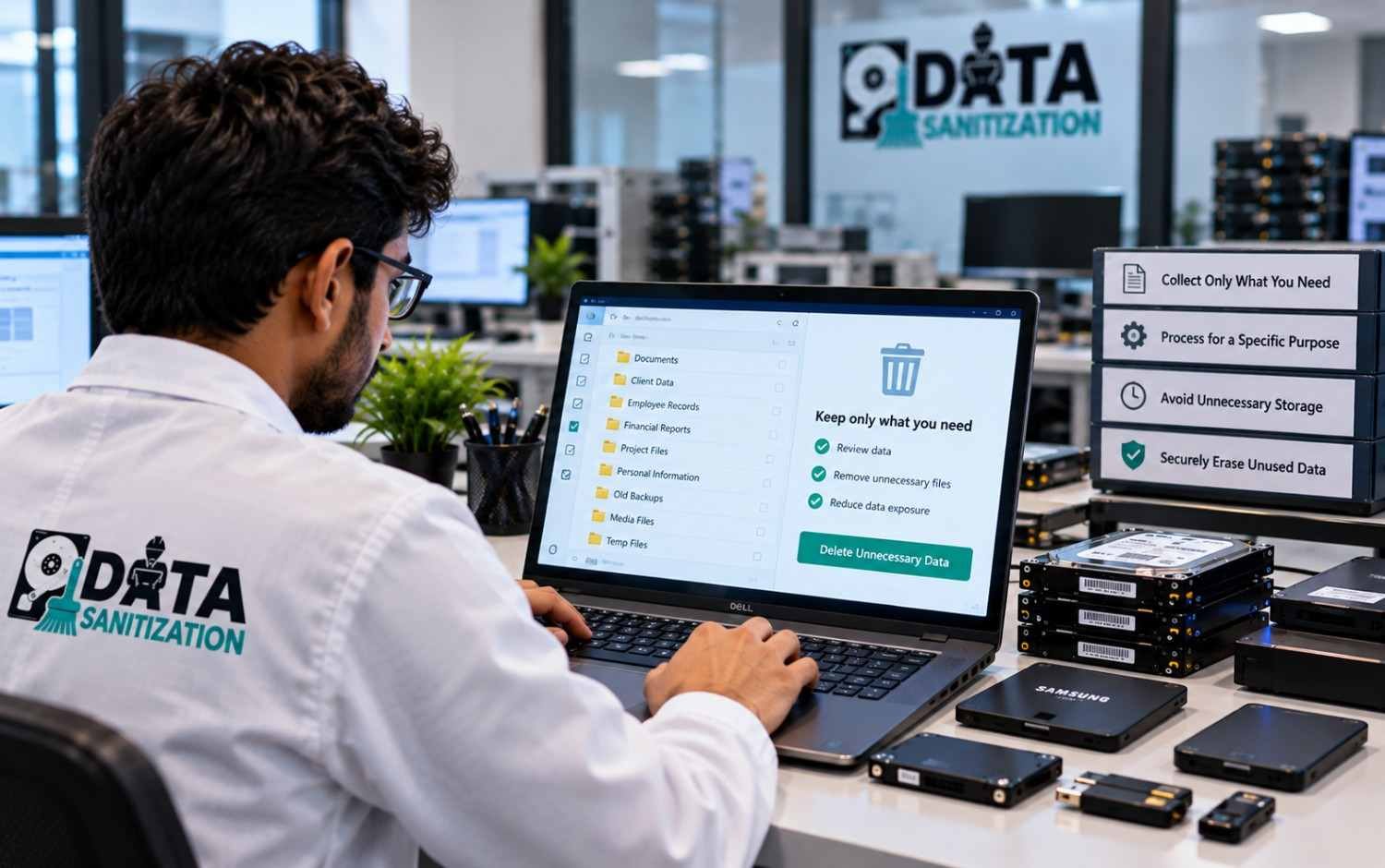
However, collecting less data is only the beginning. Organizations must also manage stored records, apply appropriate retention periods, review unnecessary information and dispose of data securely when it is no longer required and no legal or business obligation prevents its removal.
This guide explains the meaning of data minimization, its benefits, major privacy laws and practical steps businesses can take to implement a data minimization policy. It also explains how Data Sanitization Pro can support secure data disposal through its supported erasure, verification and reporting workflows.
What Is Data Minimization?
Data minimization is a data protection principle that requires organizations to limit personal data collection and processing to what is adequate, relevant and necessary for a defined purpose.
In simple terms, businesses should collect only the information they need, use it for appropriate purposes and avoid retaining it unnecessarily.
A simple example of data minimization
Imagine an online food delivery business.
To deliver an order, it may need the customer’s name, delivery address, contact details and delivery instructions. These details serve a clear business purpose.
However, collecting unrelated information about the customer’s family, employment history or marital status would generally be unnecessary for delivering that order unless another valid purpose justifies the collection.
The same principle applies after information has been collected. If certain records are no longer needed, the business should review whether they can be deleted or securely erased.
The key question is simple: Do we need this information for a clear purpose and how long do we need to keep it?
The GDPR expressly addresses data minimization in Article 5(1)(c). It requires personal data to be adequate, relevant and limited to what is necessary for the purposes for which it is processed.
Why Is Data Minimization Important for Businesses?
Organizations collect information through websites, applications, customer accounts, employee systems, transactions and daily business operations. Without regular reviews, unnecessary data can accumulate across databases, shared folders, email systems, endpoints and backups.
Data minimization helps businesses manage this information more responsibly.
1. Reduce data privacy risks
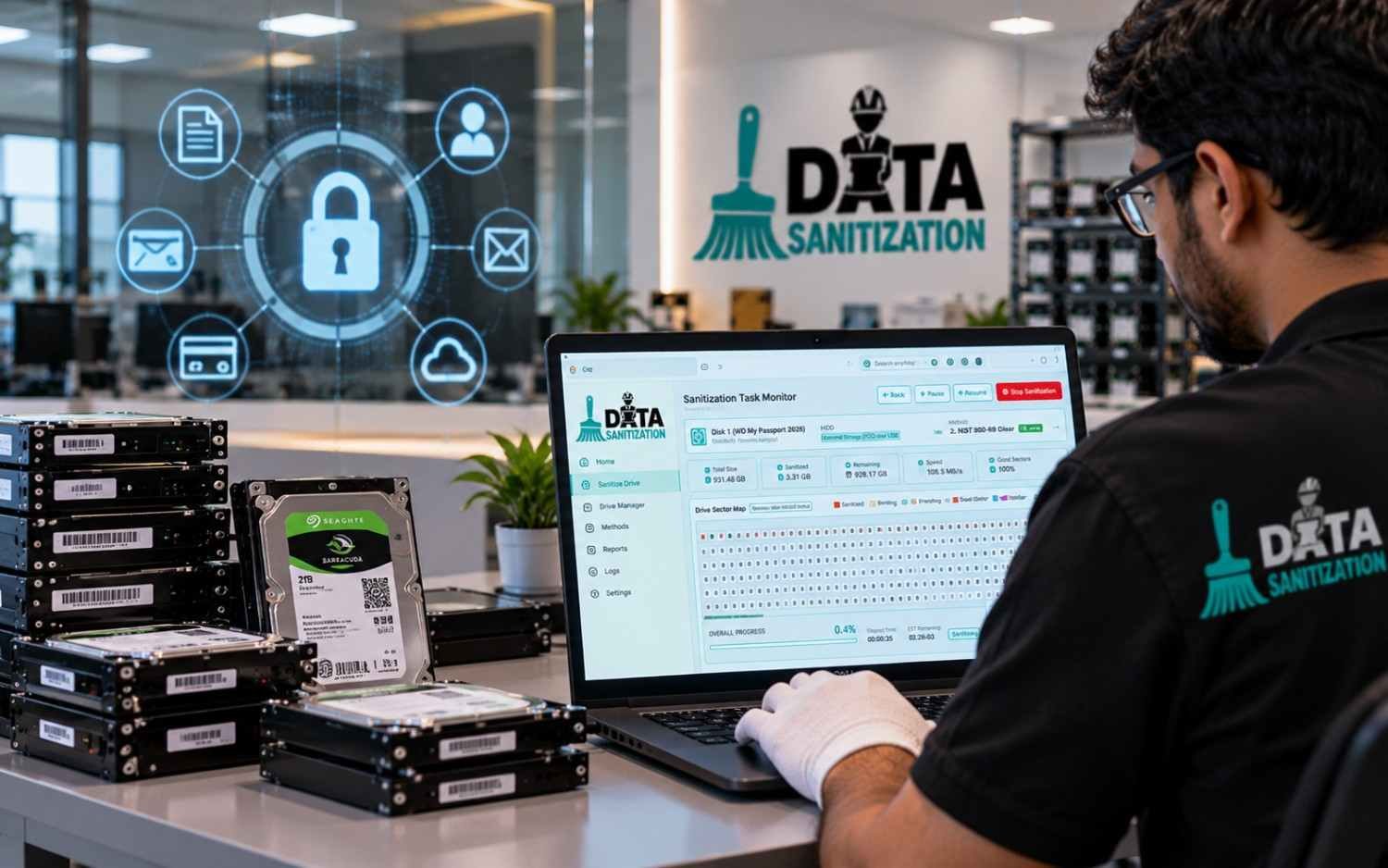
The more unnecessary personal information an organization holds, the more information it may need to protect against unauthorized access, accidental disclosure, misuse or loss.
Reducing unnecessary collection and retention can limit the amount of sensitive information exposed during a security incident.
2. Support data privacy compliance
Privacy laws and frameworks address different aspects of data collection, processing, retention, security and deletion.
A documented data minimization policy helps organizations identify what information they collect, why they need it, who is responsible for it and when it should be reviewed.
However, a policy alone does not guarantee compliance. Organizations must follow the applicable legal requirements and implement suitable technical and organizational controls.
3. Build customer trust
Customers expect businesses to handle their personal information responsibly.
Cisco’s 2024 Consumer Privacy Survey found that 75% of respondents said they would not purchase from an organization they did not trust with their data. The survey covered more than 2,600 consumers across 12 countries.
This finding highlights the connection between responsible data handling and customer trust. Clear collection practices and sensible retention policies can help businesses build stronger relationships with customers.
4. Reduce unnecessary storage and management costs
Keeping data that no longer serves a valid purpose can increase storage, backup, administration and security management requirements.
Regular data reviews help organizations identify redundant records and avoid retaining information without a clear reason.
5. Improve data governance
A clear data minimization policy helps teams understand what information they should collect, who may access it, how long it should be retained and what should happen when it is no longer needed.
This improves accountability and makes information management easier to review.
6. Reduce unnecessary data exposure across the lifecycle
Data may be copied between systems, exported into spreadsheets, saved in email attachments or stored on old computers.
A strong data minimization process considers these locations rather than focusing only on the original database. This is especially important when organizations replace computers, retire servers or transfer storage devices to another owner.
Which Laws and Frameworks Address Data Minimization?

Organizations should identify the privacy laws and frameworks that apply to their location, industry, customers and processing activities.
Law or framework | Relevant data minimization consideration |
EU General Data Protection Regulation (GDPR) | Article 5(1)(c) explicitly requires personal data to be adequate, relevant and limited to what is necessary. |
California Consumer Privacy Act, as amended by the CPRA | California privacy rules address whether the collection, use, retention and sharing of personal information are reasonably necessary and proportionate to specified purposes. |
Canada’s PIPEDA | Principle 4, Limiting Collection, requires organizations to limit the amount and type of information collected to what is necessary for identified purposes. |
UK GDPR | Includes data minimization and storage limitation principles. |
French Data Protection Act (FDPA) | France’s Loi Informatique et Libertés complements the GDPR. Article 4 addresses purpose limitation, data necessity, accuracy, storage limitation and security principles. |
India’s Digital Personal Data Protection Act, 2023 | Establishes a framework for digital personal data processing, including specified-purpose requirements and obligations for data fiduciaries. |
ISO/IEC 27701:2025 | Provides requirements and guidance for establishing and improving a Privacy Information Management System (PIMS). |
These laws and frameworks are not identical. Their scope, definitions, exceptions and obligations differ. A process designed for one jurisdiction does not automatically satisfy the requirements of another.
GDPR and data minimization
Article 5(1)(c) of the GDPR explicitly establishes the data minimization principle. Article 5(1)(e) separately addresses storage limitation.
This distinction matters. Collecting only necessary information and deciding how long to retain that information are related but separate responsibilities.
Organizations should review their collection forms, business processes, data inventories and retention schedules against the requirements that apply to them.
California privacy law: CCPA and CPRA
California’s privacy framework includes requirements concerning the collection, use, retention and sharing of personal information. The applicable rules consider whether these activities are reasonably necessary and proportionate to the purposes for which information is collected or processed.
Businesses subject to California law should review their stated purposes, privacy notices, collection practices and retention policies rather than assuming that collecting information once makes indefinite retention acceptable.
Canada’s PIPEDA and the Limiting Collection Principle
The Personal Information Protection and Electronic Documents Act (PIPEDA) includes ten fair information principles.
Principle 4, known as Limiting Collection, requires organizations to limit the amount and type of personal information they collect to what is necessary for identified purposes. Information must also be collected by fair and lawful means.
PIPEDA’s Principle 5 addresses limiting use, disclosure and retention. Together, these principles support responsible information management throughout the data lifecycle.
French Data Protection Act (FDPA)
France’s national data protection law is commonly known as the Loi Informatique et Libertés. It operates alongside the GDPR and contains national provisions concerning personal data processing.
Article 4 addresses principles including defined purposes, data necessity, accuracy, storage limitation and security. Organizations operating in France should consider the GDPR together with relevant French national law.
UK GDPR
The UK GDPR includes data minimization and storage limitation principles. Organizations within its scope should ensure that the personal information they collect is necessary for their purposes and is not kept in identifiable form longer than necessary, subject to applicable exceptions.
India’s Digital Personal Data Protection Act, 2023
India’s DPDP framework is relevant to organizations processing digital personal data within its scope.
The Act addresses specified purposes, lawful processing and obligations relating to personal data. The DPDP Rules, 2025, were notified with phased commencement dates.
Businesses should check the commencement status of the specific provisions relevant to their operations. They should not assume that every provision became effective on the same date.
For implementation organizations should review their collection forms, privacy notices, data inventories, retention schedules and disposal procedures against the requirements that apply to them.
ISO/IEC 27701:2025
ISO/IEC 27701 provides requirements and guidance for a Privacy Information Management System. Its 2025 edition sets out a framework for organizations that control or process personally identifiable information.
It can help organizations structure privacy responsibilities, manage information risks and improve privacy management practices. It is a management-system standard, not a substitute for applicable privacy laws.
Data Minimization vs. Data Retention vs. Data Deletion vs. Secure Data Erasure
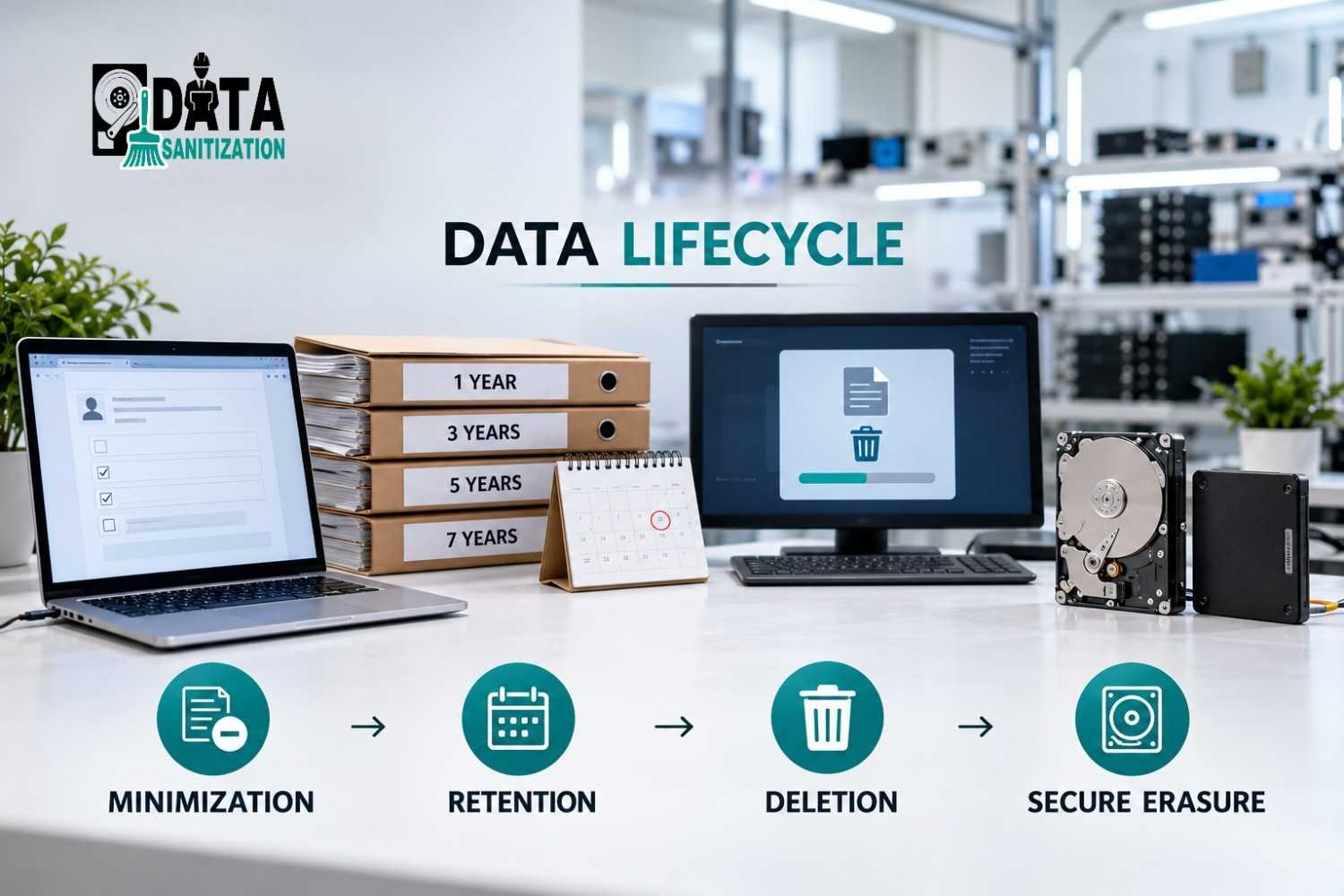
These terms are related, but they describe different activities.
Concept | Meaning | Business example |
Data minimization | Limit collection and processing to what is necessary | Remove unnecessary fields from a registration form |
Data retention | Define how long information should be kept | Retain specified financial records for the applicable period |
Data deletion | Remove information from its normal location or system | Delete an obsolete document from an active folder |
Secure data erasure | Use an appropriate sanitization method for supported storage | Sanitize a storage device before reuse |
Deleting a file does not always prove that its underlying data has been securely erased. Likewise, sanitizing a local hard drive does not automatically remove copies held in cloud storage, email attachments, remote systems or backups.
Organizations should choose the appropriate process for each location and type of information.
How to Implement a Data Minimization Policy
An effective policy should cover the complete data lifecycle, from collection to final disposal.
Step 1: Define the purpose of data collection
Document why each category of personal data is collected.
For every data field, ask:
- What business purpose does it serve?
- Is it necessary for that purpose?
- Is there a less intrusive way to achieve the same result?
- Who needs access to the information?
If a field has no valid purpose, review whether it should be collected at all.
Step 2: Create a data inventory
Identify where personal and confidential information is stored. This may include customer databases, employee computers, shared folders, email systems, cloud platforms, removable media and backups.
A data inventory helps teams understand what information they hold and where it may need to be reviewed or removed.
Step 3: Establish a data retention policy
Define retention periods based on applicable laws, regulations, contracts, business needs and internal policies.
Do not automatically delete every old record. Some information may need to be retained for tax, legal, regulatory, contractual or other legitimate reasons.
The policy should identify who can approve retention exceptions and how legal holds or investigations affect disposal decisions.
Step 4: Review stored information regularly
Schedule reviews to identify unnecessary, outdated, duplicate or excessive information.
Examples include:
- Old customer exports that are no longer required.
- Duplicate employee documents.
- Temporary files left after a project.
- Outdated spreadsheets containing personal information.
- Unused records stored on retired computers.
Assign responsibility for reviewing and approving disposal. This reduces the risk of deleting important records too early.
Step 5: Select the correct deletion or sanitization method
Choose a method based on the data, its storage location and the required outcome.
An unnecessary document in an active system may require an approved file-level deletion or sanitization process. A retired laptop may require full-device sanitization. Information held by a cloud provider or in a backup may need a separate process.
For physical storage devices, the method should be appropriate for the media type, including HDDs, SSDs, NVMe drives and removable storage.
Step 6: Verify and document the outcome
For sensitive storage media, retain evidence of what was processed, which method was used and whether verification succeeded.
If a sanitization operation fails or produces an unexpected result, investigate it before releasing the asset for reuse or disposal.
Reports can support internal reviews and asset management. Their value depends on accurate device identification, appropriate methods and reliable verification.
Step 7: Review the policy and measure progress
Data minimization is an ongoing process, not a one-time project.
Organizations can monitor indicators such as:
- Number of unnecessary data stores identified.
- Percentage of systems covered by a data inventory.
- Number of overdue retention reviews.
- Number of disposal jobs with complete records.
- Number of sanitization operations that require investigation.
- Time taken to process approved deletion requests.
These measures help teams identify gaps and improve the process over time.
Privacy by Design: Prevent Excessive Data Collection Early

Privacy by Design means considering privacy when a product, service or business process is designed, rather than trying to fix every issue after launch.
For example, a website can make only essential form fields mandatory and mark genuinely optional fields clearly. An application can avoid collecting location information unless it is needed for a stated feature. A business can review whether analytics tools collect more personal information than necessary.
Privacy-focused services such as DuckDuckGo illustrate how privacy can be considered as part of product design. The broader lesson is that organizations should assess what data they need before collection begins.
Privacy by Design does not remove the need for retention policies or secure disposal. Businesses still need procedures for managing information that has already been collected.
How Secure Data Erasure Supports Data Minimization
Data minimization begins when information is collected. Secure data erasure supports the later stages of the data lifecycle, when approved information no longer needs to remain on a storage medium.
Organizations may need secure data erasure when:
- Confidential files are no longer required and are approved for disposal.
- A computer is being reassigned to another employee.
- A laptop or storage device is being prepared for resale.
- An organization retires or replaces IT equipment.
- Sensitive information must be removed from supported storage before disposal.
The correct method matters. HDDs, SSDs, NVMe drives and removable media have different technical characteristics. A method suitable for one device should not automatically be assumed suitable for every other device.
Organizations should also remember that sanitizing one device does not automatically erase every copy of the same information elsewhere.
For further guidance, read our guides on securely wiping hard drives and SSDs and data destruction standards and compliance.
How Data Sanitization Pro Supports Secure Data Disposal
Data Sanitization Pro is a data sanitization platform developed in India. It helps organizations erase supported storage, review verification results and maintain records of sanitization operations.
Its capabilities can support the disposal stage of a data minimization program.
File and folder sanitization
For supported workflows, Data Sanitization Pro can sanitize selected files and folders. This can help organizations handle approved data-removal tasks without necessarily sanitizing an entire device.
The correct approach depends on the storage environment, the data involved and the required outcome.
Free-space sanitization
Free-space sanitization targets eligible unused storage space where remnants of previously deleted files may remain.
This can be useful in certain data cleanup scenarios. It is not a substitute for full-device sanitization when a device is being retired or transferred and the required outcome calls for sanitizing the entire device.
Partition and disk sanitization
Data Sanitization Pro supports partition-level and full-disk sanitization workflows for compatible devices.
These options can help teams choose a suitable scope for approved disposal tasks, such as preparing a computer for reassignment or sanitizing a retired storage device.
Verification and reporting
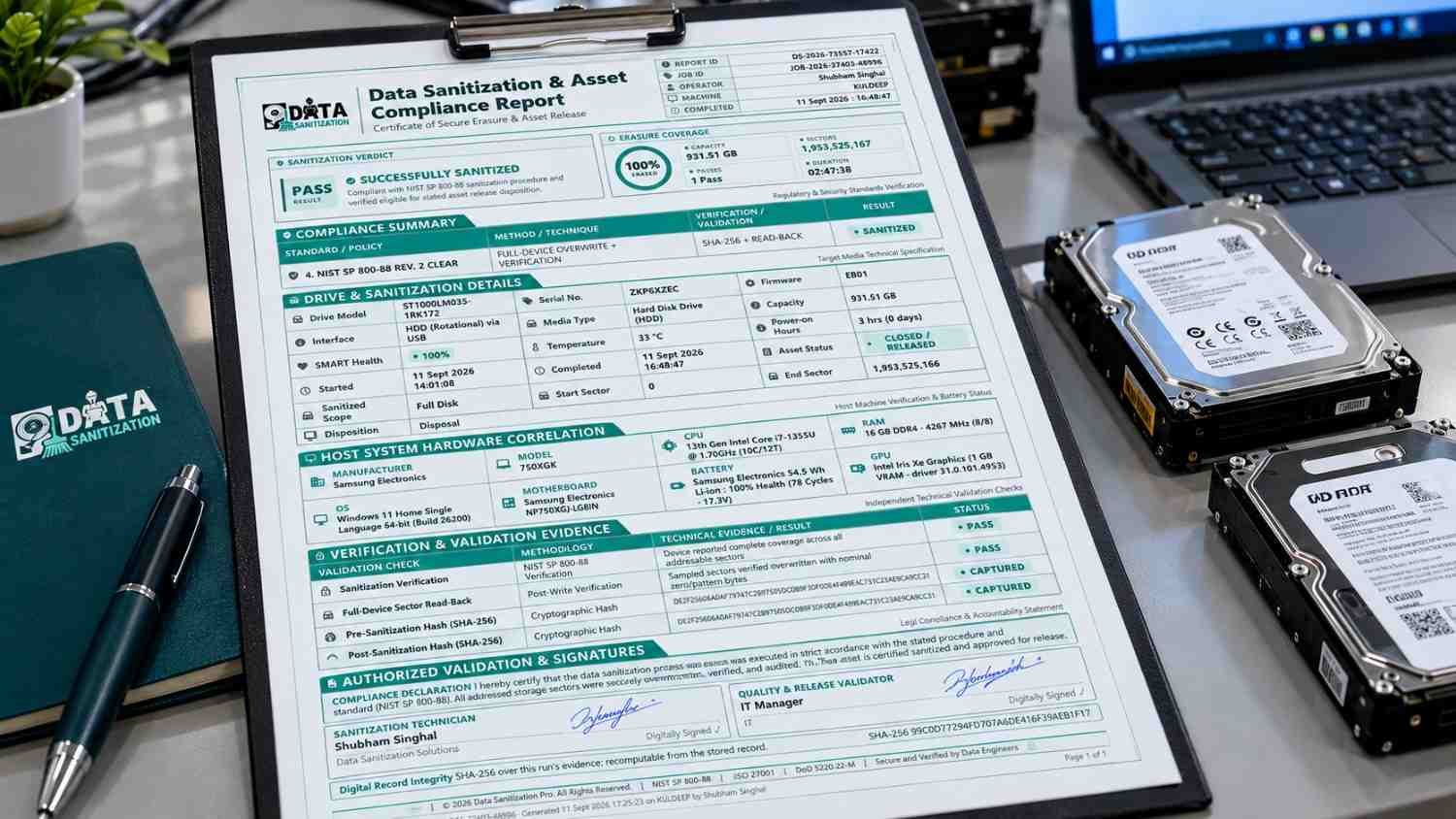
Verification helps organizations review whether a sanitization operation completed as intended.
Data Sanitization Pro provides reporting capabilities for supported workflows. Reports can help document relevant device information, the selected method, operation status and verification results, depending on the configuration.
These records can support internal reviews and asset-disposal documentation. They do not independently guarantee compliance with every privacy law or framework.
Hardware assessment
Supported hardware assessment features can help teams review device health when preparing equipment for reuse or resale.
This complements data sanitization but does not replace the need to verify that the appropriate erasure process has been completed.
Bootable USB and PXE workflows
Data Sanitization Pro supports bootable USB and PXE workflows for compatible environments. These can help teams process supported computers outside their normal operating system and manage erasure activities across suitable deployments.
Organizations should confirm compatibility and configuration requirements before using these workflows.
A practical business example
Suppose a company replaces 100 employee laptops.
First, the company checks whether the information on each device is approved for disposal and confirms that no retention obligation prevents erasure. It then inventories the devices and selects an appropriate sanitization method for each supported storage configuration.
The IT team performs the erasure, reviews verification results, investigates unsuccessful operations and retains the relevant reports. The company can then proceed with approved reuse, transfer or disposal.
Data Sanitization Pro can support the erasure and reporting stages of this workflow. The organization remains responsible for deciding what may be erased, approving the process and meeting its wider privacy and records-management obligations.
Data Minimization Checklist for Businesses
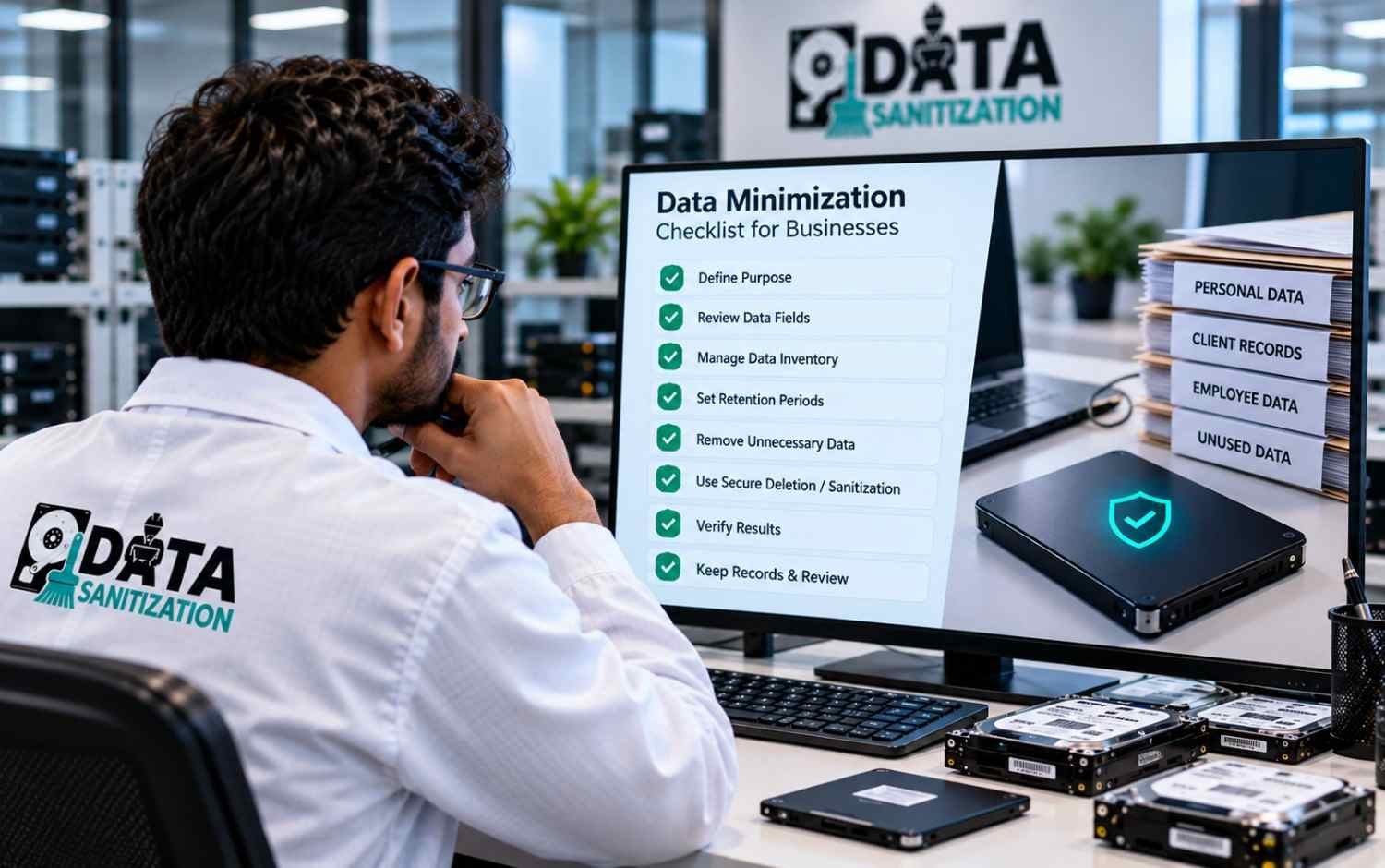
- Use this checklist to review your organization’s current practices.
- Document the purpose for collecting each category of personal data.
- Review whether each data field is necessary.
- Maintain an inventory of stored information and its locations.
- Assign owners for important data categories and systems.
- Establish retention periods based on applicable requirements.
- Review expired, duplicate and unnecessary records.
- Check legal holds and retention exceptions before disposal.
- Define approved deletion and sanitization methods.
- Account for relevant copies, backups and shared storage.
- Verify sanitization results where appropriate.
- Retain required reports and disposal records.
- Review the policy periodically and update it when business or legal requirements change.
Conclusion
Data minimization helps organizations collect and process only the personal information they need. When combined with a clear data retention policy, regular reviews and appropriate disposal procedures, it can strengthen data governance and reduce unnecessary exposure.
Secure data erasure is an important part of that process when information no longer needs to remain on a storage device. The method should match the media, the sensitivity of the data and the organization’s requirements. Verification and documentation can help provide evidence of the work performed.
Data Sanitization Pro supports this process through its file and folder, free-space, partition and disk sanitization workflows, together with verification and reporting capabilities for supported configurations.
Explore Data Sanitization Pro to learn how its supported data erasure workflows can help your organization document approved data disposal as part of a broader data protection program.