
As businesses continue to generate massive volumes of digital data, protecting confidential information has become more important than ever. From customer records and financial documents to employee details and intellectual property, every organization stores sensitive data on hard drives, solid-state drives (SSDs), servers, laptops and other storage devices.
However, securing data is not only about preventing cyberattacks. It is equally important to ensure that information is permanently removed when storage devices reach the end of their lifecycle. Simply deleting files or formatting a drive does not permanently erase data. In many cases, deleted information can still be recovered using advanced recovery tools.
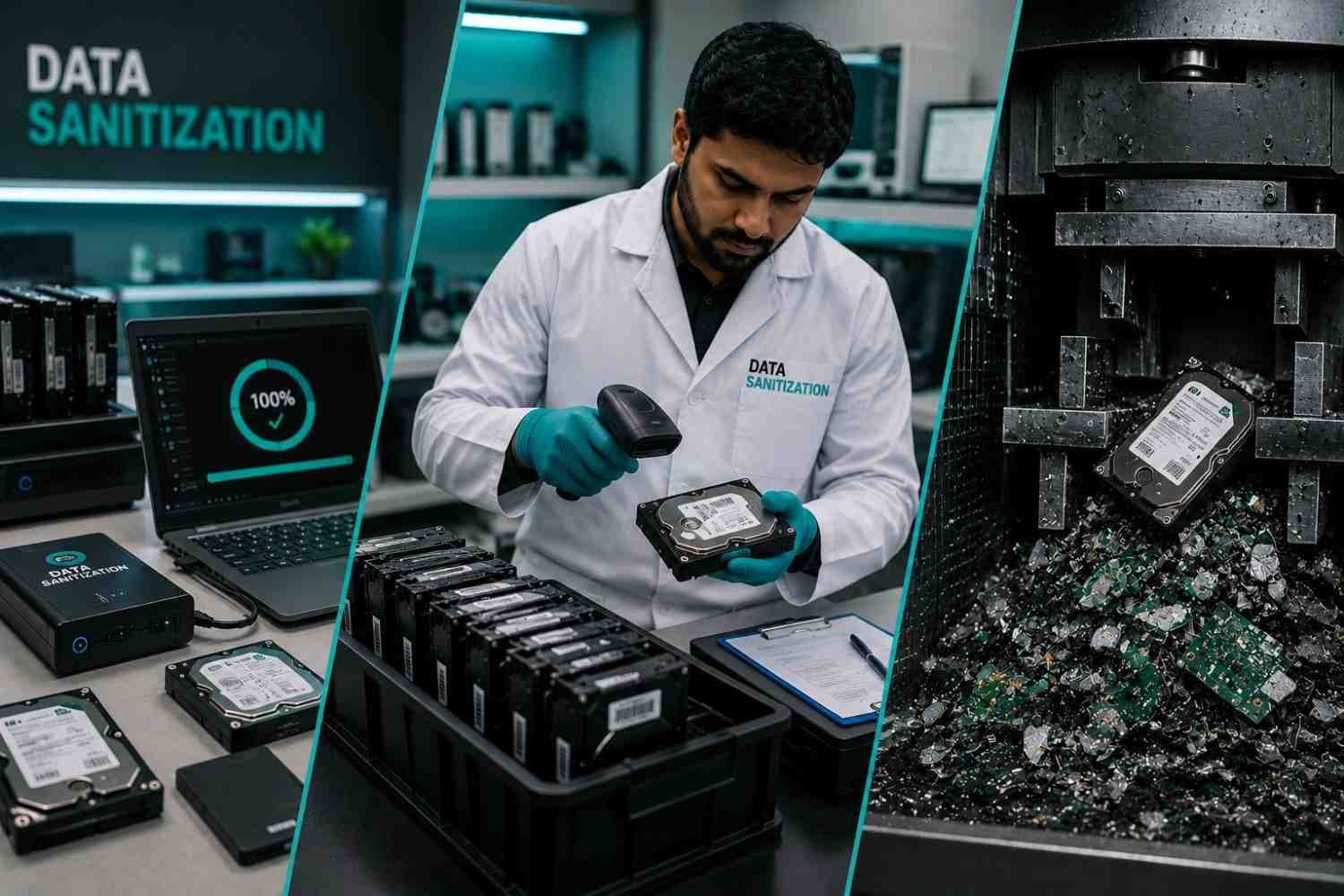
This is where data sanitization and hard drive shredding come into the picture. Each method offers a different level of protection, compliance and usability. While physical destruction has traditionally been considered the safest option, modern digital data erasure technologies now provide certified, secure and environmentally friendly alternatives for many businesses.
Choosing the right method depends on your organization’s security requirements, compliance obligations and whether the storage device needs to be reused, resold or recycled.
What Is Data Sanitization?
Data sanitization is the process of permanently removing data from a storage device so that it cannot be recovered using any software or forensic recovery techniques. Unlike deleting files or formatting a drive, sanitization completely eliminates every trace of stored information.
Modern data sanitization follows internationally recognized standards and is widely used by businesses, government agencies, healthcare organizations, educational institutions and financial companies.
Depending on security requirements, data sanitization may include:
- Software-based data erasure
- Multi-pass overwriting
- Cryptographic erase
- Firmware-based secure erase
- Physical destruction when reuse is not required
The biggest advantage of data sanitization is that it protects sensitive information while allowing many storage devices to remain usable.
Understanding Data Erasure
Data erasure is one of the most effective forms of digital data sanitization. Specialized software overwrites every accessible sector of a storage device using approved algorithms, making the original data permanently unrecoverable.
Unlike physical destruction, data erasure preserves the drive, allowing organizations to:
- Reuse storage devices internally
- Sell used IT assets
- Return leased equipment
- Reduce electronic waste
- Lower IT replacement costs
Professional data erasure software also generates detailed verification reports and audit logs, helping businesses demonstrate compliance during security audits.
Today, certified data erasure is widely accepted across enterprise IT environments because it combines strong security with operational efficiency.
What Is Data Wiping?
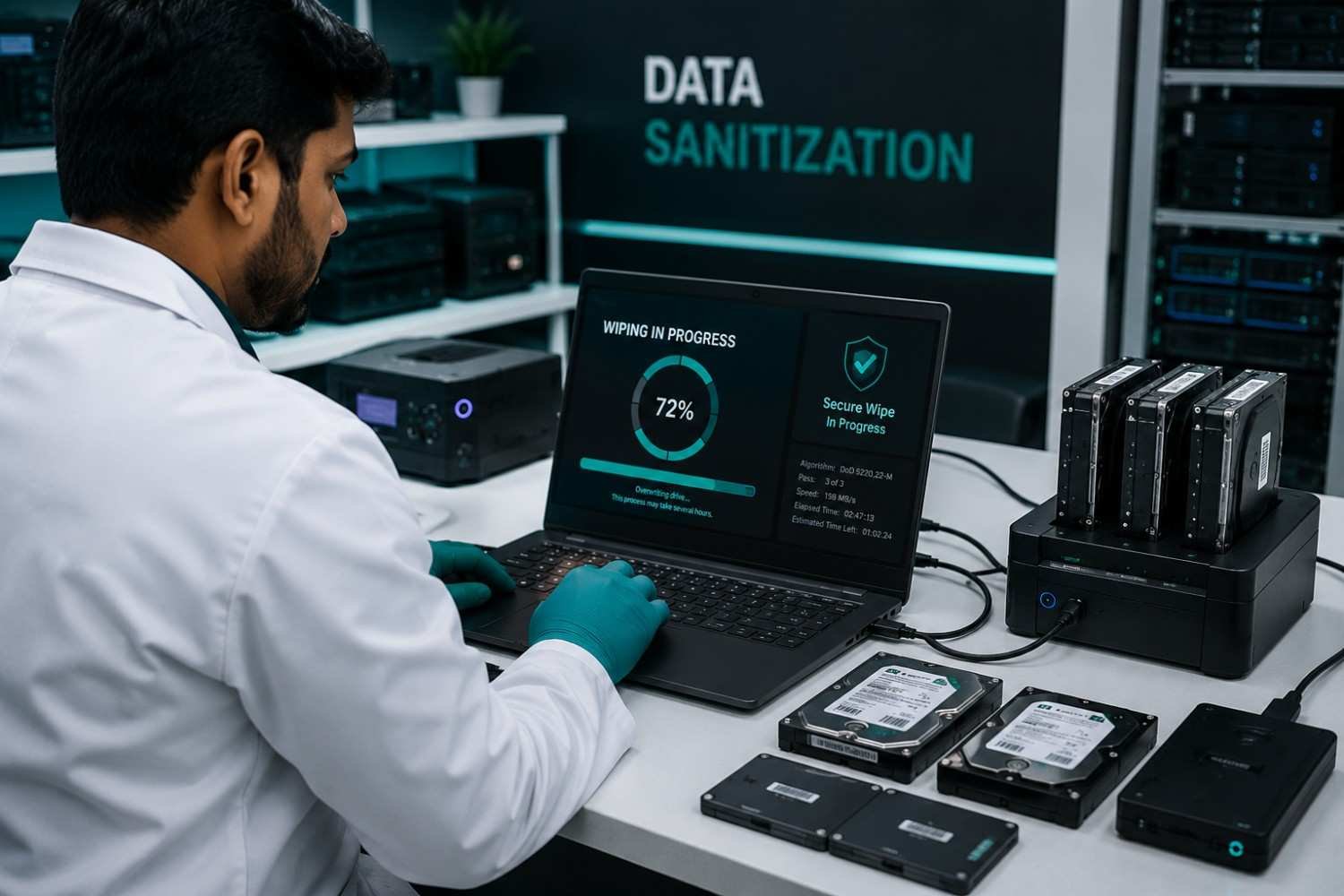
Many people use the terms data wiping and data erasure interchangeably, but there are subtle differences.
Data wiping refers to the process of overwriting existing information on a storage device. In professional environments, data wiping is performed using certified software that follows recognized security standards.
Basic wiping tools may overwrite data only once, while enterprise-grade solutions use verified wiping methods and provide confirmation that every accessible sector has been successfully sanitized.
When performed correctly, professional data wiping offers a high level of protection without damaging the storage device.
What Is Hard Drive Shredding?
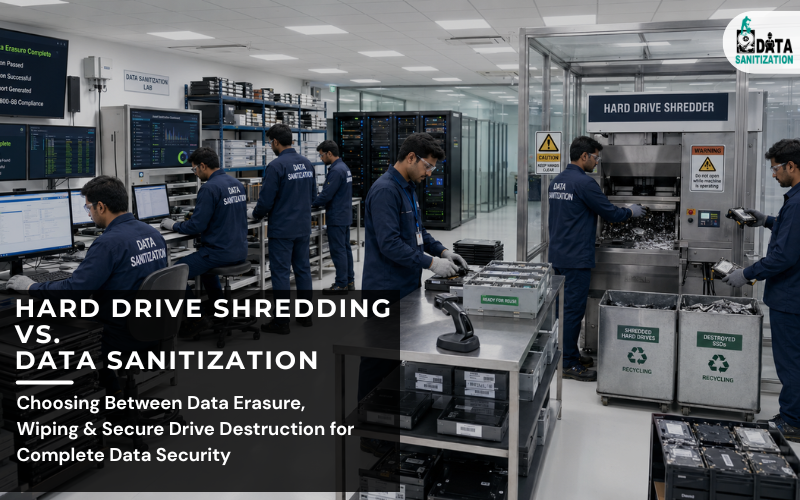
Hard drive shredding is a physical data destruction method that permanently destroys storage devices by cutting them into small metal fragments using industrial shredding equipment.
Once shredded, the hard drive cannot be reused or reconstructed.
Organizations usually choose hard drive shredding when:
- Drives are damaged or non-functional
- Devices contain highly classified information
- Regulations require physical destruction
- Storage media cannot be securely erased
- Equipment has reached the end of its useful life
Many certified data destruction providers also issue a Certificate of Destruction, giving organizations documented proof that the storage devices have been securely destroyed.
Although hard drive shredding provides maximum physical assurance, it permanently eliminates the possibility of reusing or reselling the device.
Data Erasure vs. Hard Drive Shredding: What’s the Difference?
Although both methods protect sensitive information, they serve different business purposes.
Feature | Data Erasure | Hard Drive Shredding |
Data permanently removed | ✔ | ✔ |
Storage device reusable | ✔ | ✘ |
Supports IT asset resale | ✔ | ✘ |
Environmentally friendly | ✔ | Limited |
Physical destruction | ✘ | ✔ |
Compliance reporting | ✔ | ✔ |
Suitable for SSDs and HDDs | ✔ | ✔ |
Generates audit reports | ✔ | Limited |
Certificate available | ✔ | ✔ |
For most organizations, data erasure is the preferred choice when storage devices are still operational. Hard drive shredding is typically reserved for drives that are damaged, failed or contain exceptionally sensitive information.
Why Digital Data Erasure Is Becoming the Preferred Choice
Over the last few years, businesses have increasingly shifted toward digital data erasure instead of defaulting to physical destruction.
Several factors have contributed to this trend.
1. Lower IT Costs
Organizations can securely erase and reuse storage devices instead of purchasing new hardware, reducing overall IT expenditure.
2. Sustainable IT Practices
Digital erasure supports responsible electronics reuse and helps reduce electronic waste while maintaining high data security standards.
3. Regulatory Compliance
Certified data erasure solutions generate tamper-proof reports that simplify compliance with privacy regulations and internal security policies.
4. Faster Asset Recovery
Businesses can quickly sanitize large volumes of laptops, desktops, servers and SSDs before redeployment or resale, improving operational efficiency.
5. Enterprise-Level Security
Modern data erasure software uses advanced verification processes to ensure sensitive information cannot be recovered after sanitization.
Can Deleted Files Be Recovered?
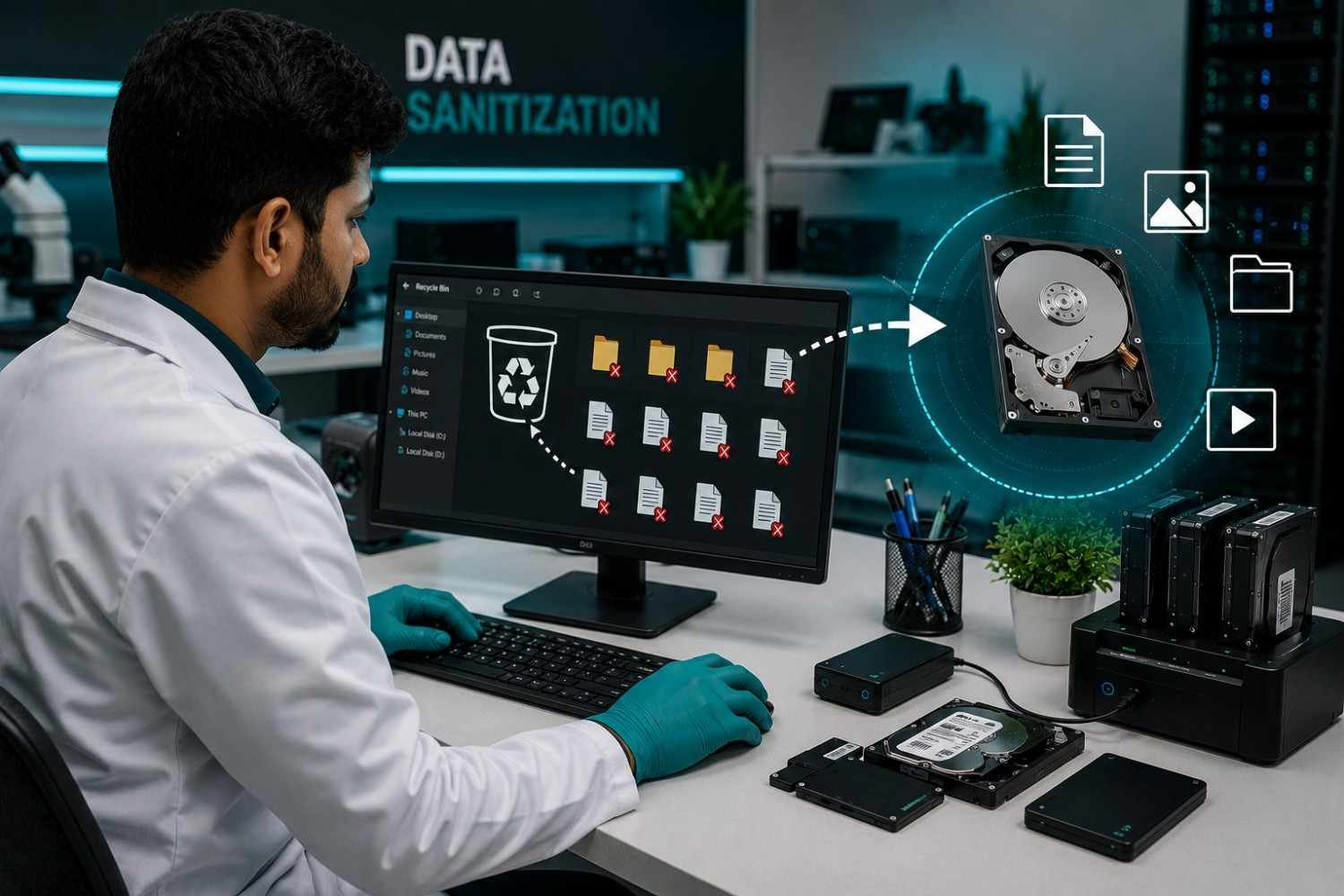
One of the biggest misconceptions is that deleting files permanently removes data.
In reality:
- Deleting files only removes references to the data.
- Emptying the Recycle Bin does not erase stored information.
- Formatting a drive usually does not eliminate recoverable data.
- Even reinstalling an operating system may leave old information accessible.
Until new data overwrites the original information, specialized recovery software may still retrieve sensitive files.
This is why businesses should never rely on simple deletion when disposing of storage devices. Professional data sanitization, data erasure or hard drive shredding provides a much higher level of protection.
When Should You Choose Data Erasure?
Digital data erasure is the best choice when the storage device is still working and you want to keep using it. Since the drive remains functional after the erasure process, businesses can recover its value instead of destroying it.
Choose data erasure when you want to:
- Reuse laptops, desktops or servers within your organization.
- Sell or donate old IT equipment.
- Return leased devices.
- Prepare storage devices for recycling without exposing confidential data.
- Reduce electronic waste while maintaining strong data security.
- Generate detailed audit reports for compliance.
For many organizations, data erasure offers the perfect balance between security, sustainability and cost savings.
When Is Hard Drive Shredding the Better Option?
Although digital erasure is suitable for most situations, there are cases where hard drive shredding remains the preferred solution.
Hard drive shredding is recommended when:
- The hard drive or SSD is physically damaged and cannot be erased.
- The storage device has failed and is inaccessible.
- Company policies require physical destruction.
- The media contains highly confidential or classified information.
- The device has reached the end of its usable life.
Industrial shredding permanently destroys the storage media, making reuse impossible. It provides visual confirmation that the drive no longer exists in a usable form.
Best Practices for Secure Data Sanitization
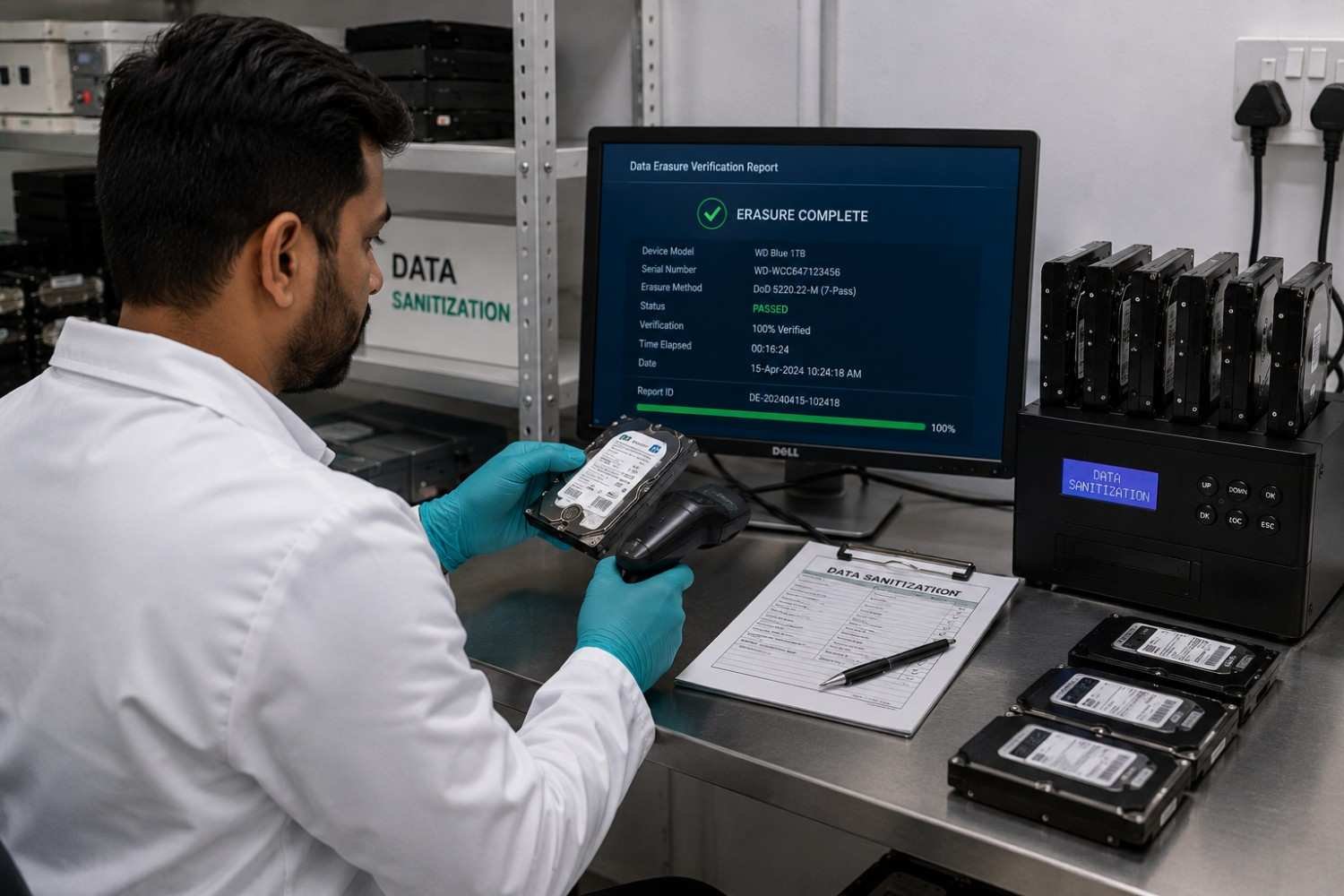
A secure data disposal process is more than simply running software or destroying hardware. Following proven best practices helps protect sensitive information and supports compliance requirements.
Use Certified Data Erasure Software
Choose trusted software that performs complete drive sanitization and provides verification reports after every erasure process.
Verify Every Storage Device
Always confirm that the erasure process has been completed successfully before redeploying or disposing of the device.
Maintain an Asset Inventory
Keep accurate records of laptops, desktops, servers, HDDs, SSDs and external storage devices scheduled for sanitization or destruction.
Follow a Standardized Process
Create documented procedures covering device collection, sanitization, verification, reporting and final disposal.
Protect the Chain of Custody
Storage devices should remain under controlled supervision throughout the disposal process to reduce the risk of unauthorized access.
Train Employees
Employees responsible for IT asset management should understand approved data disposal methods and follow company security policies.
Compliance Matters
Many industries must comply with data protection regulations and internal security policies. Secure data sanitization and data erasure help organizations demonstrate that confidential information has been permanently removed before devices leave their control.
A widely recognized guideline for media sanitization is NIST SP 800-88, which provides recommendations for securely sanitizing storage devices using methods such as clearing, purging or physical destruction based on the sensitivity of the data and the intended reuse of the media.
Maintaining detailed records, verification reports and Certificates of Destruction or erasure helps organizations prepare for internal reviews and external audits.
Common Mistakes Businesses Should Avoid
Even organizations with strong cybersecurity programs sometimes overlook secure data disposal. Here are some common mistakes:
- Assuming deleted files are permanently removed.
- Relying only on formatting before selling or recycling devices.
- Using free wiping tools without verification.
- Destroying reusable drives that could have been securely erased.
- Failing to maintain documentation for compliance.
- Ignoring SSD-specific sanitization methods.
- Disposing of storage devices without an approved data destruction policy.
Avoiding these mistakes reduces the risk of data breaches and improves overall information security.
Which Method Is Right for Your Business?
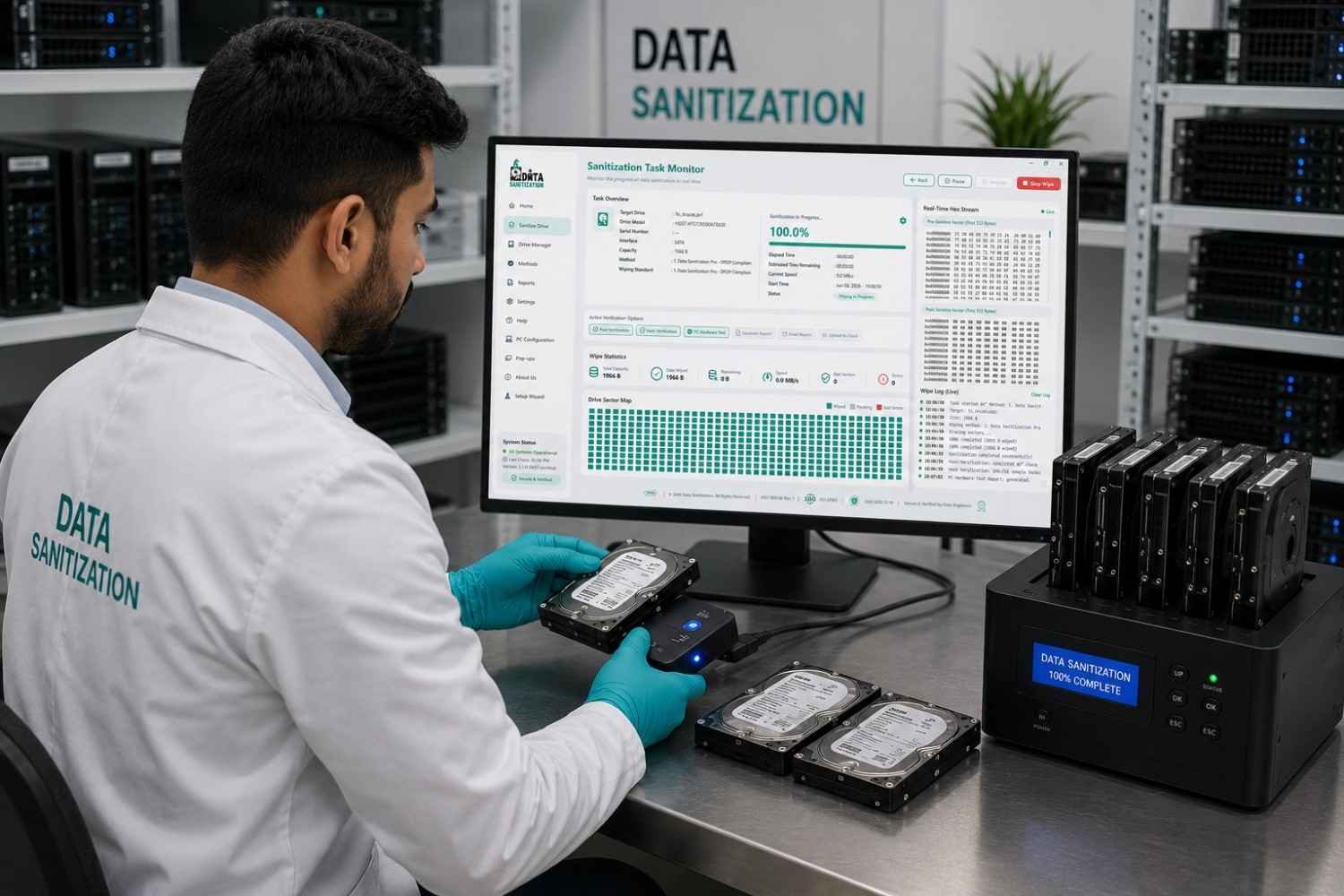
The right solution depends on your organization’s goals.
Choose data erasure if you want to:
- Securely remove confidential information.
- Reuse storage devices.
- Sell or redeploy IT assets.
- Reduce hardware replacement costs.
- Support sustainability initiatives.
- Maintain detailed compliance records.
Choose hard drive shredding if you need to:
- Destroy failed or damaged drives.
- Eliminate highly sensitive data on non-reusable media.
- Meet internal policies requiring physical destruction.
- Dispose of storage devices that cannot be securely erased.
Many organizations use both methods as part of a complete IT asset disposal strategy. Working drives undergo certified data erasure, while damaged or non-functional drives are physically shredded.
Final Thoughts
Protecting sensitive information does not end when a storage device reaches the end of its lifecycle. Choosing the right data disposal method is an essential part of every organization’s cybersecurity strategy.
For most businesses, digital data erasure and data sanitization provide a secure, cost-effective and environmentally responsible way to remove confidential information while extending the value of IT assets. These methods allow organizations to reuse, resell or recycle storage devices with confidence.
However, hard drive shredding continues to play an important role when drives are damaged, inaccessible or require permanent physical destruction.
Instead of viewing these methods as competing solutions, businesses should use them together. Certified data erasure for reusable devices and hard drive shredding for non-functional or high-risk media create a comprehensive approach to secure data disposal, helping organizations strengthen data security, support compliance and reduce the risk of future data breaches.