
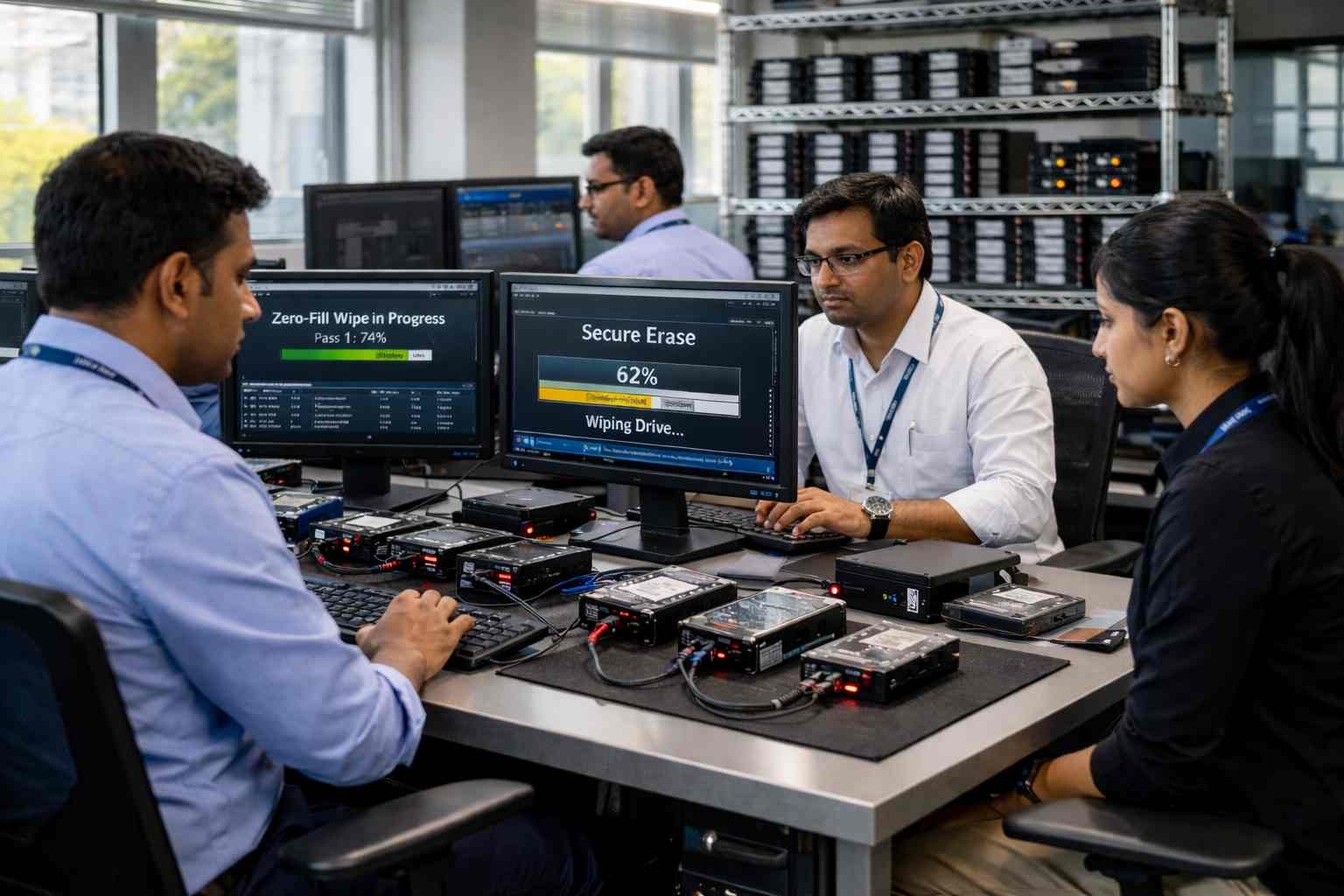
When preparing an HDD or SSD for resale, disposal or reuse, simple deletion is not enough. Zero fill HDD is a reliable data wiping method that overwrites all data with zeros, ensuring that sensitive information stays protected and cannot be recovered.
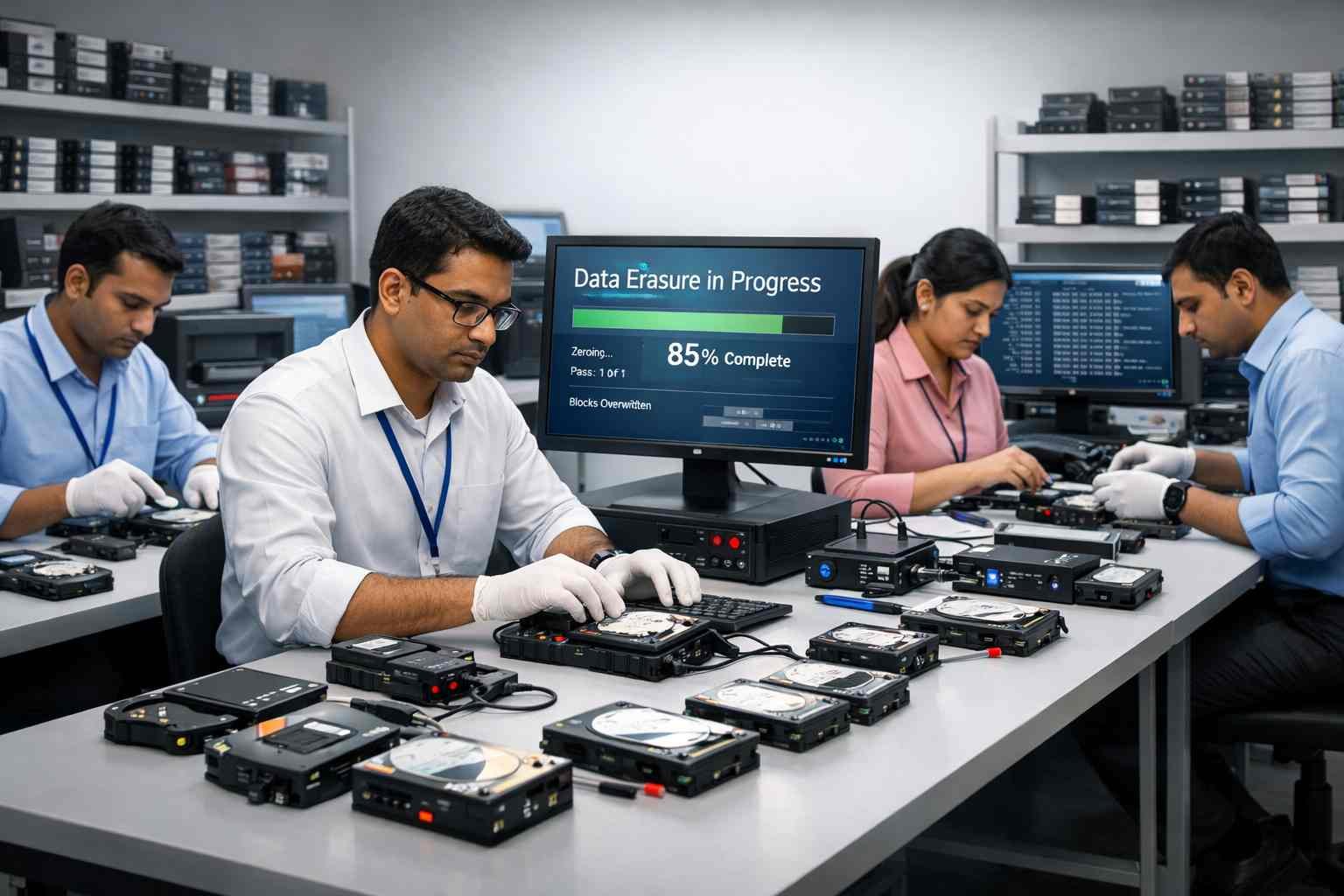
This guide covers zero-fill disk data wipe methods, the tools required, full disk zero fill wipe procedures and the key differences between zero fill HDD and SSD.
💽 What is Zero Fill Hard Drive?
Zero fill, also called zeroing a drive, is the process of overwriting every sector of a hard drive with zeros. It is a simple yet effective method to remove all data and prepare a drive for:
🔹 Resale or recycling
🔹 Secure disposal
🔹 Compliance with data protection standards
Zero fill is often compared to secure erase methods. While both erase data, zero fill simply writes zeros across the disk, whereas secure erase may include advanced firmware-level techniques to ensure data is unrecoverable.
🔒 Why Use Zero Fill for HDDs?
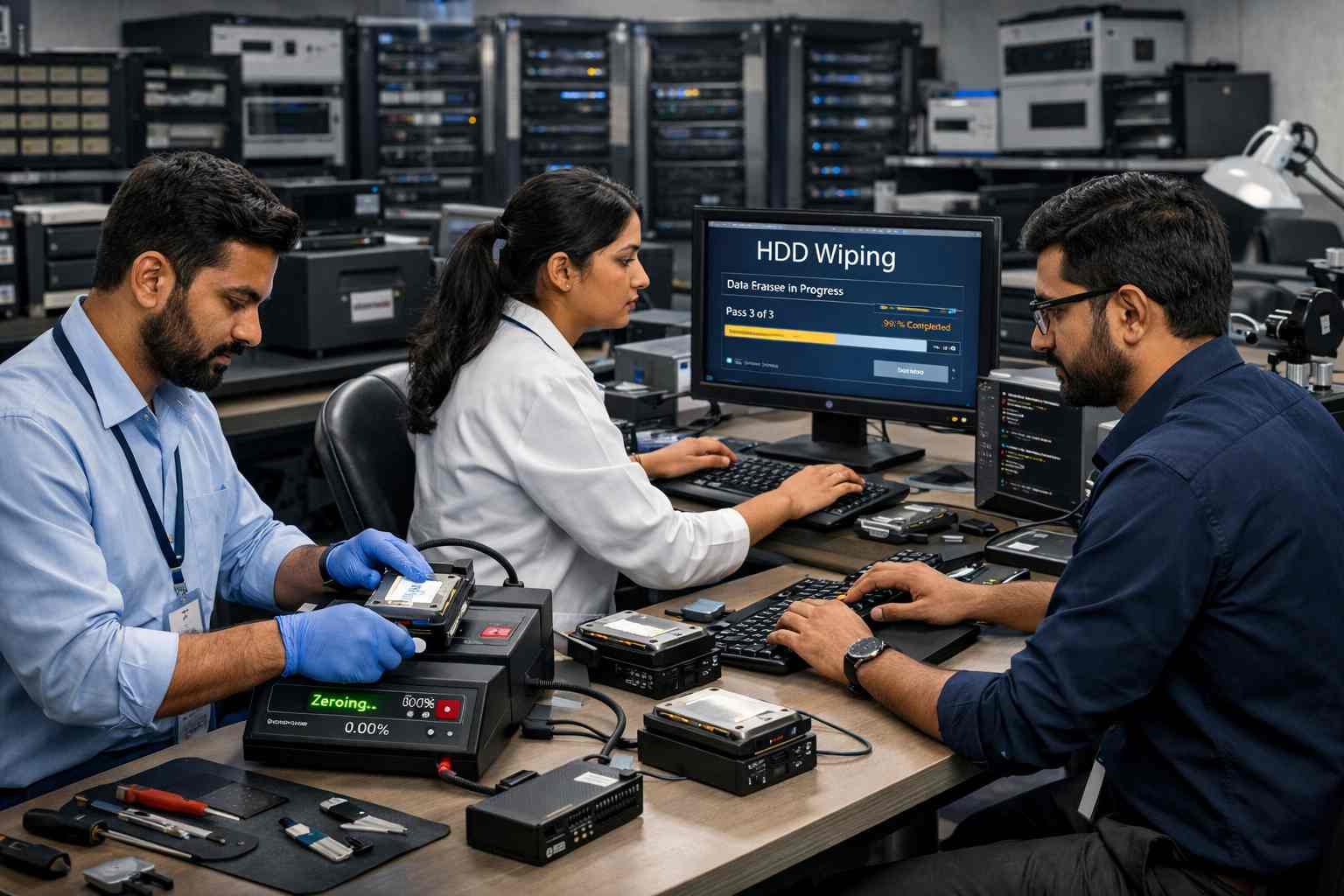
Using a zero fill HDD method ensures:
✅ Data cannot be recovered using standard recovery tools
✅ Drive is ready for reuse or resale
✅ Compliance with internal or regulatory policies
✅ Safe preparation of internal and external HDDs
⚖️ Zero Fill vs Secure Erase
Feature | Zero Fill HDD | Secure Erase SSD / HDD |
Method | Overwrites with zeros | Firmware-level erase / multiple passes |
Time Required | Longer for large drives | Often faster for modern drives |
Verification | Basic overwrite check | Verified wipe with report |
Residual Data Risk | Low | Very low / certified |
Best For | HDDs, external drives | SSDs and HDDs |
📝 Note: For SSDs, zero fill may not fully erase all cells due to wear-leveling technology. Certified SSD secure erase is recommended.
🛠️ How to Perform a Zero Fill HDD
🪟 Using Windows Tools
🔹 Use diskpart or third-party HDD zeroing tools
Steps:
1️⃣ Open Command Prompt as administrator
2️⃣ Enter diskpart and select the target disk
3️⃣ Use the clean all command to overwrite every sector with zeros
🐧 Using Linux Tools
🔹 Use terminal commands like dd to overwrite HDD with zeros:
sudo dd if=/dev/zero of=/dev/sdX bs=1M
🔹 Replace sdX with your disk identifier. This performs a full disk zero fill wipe.
🧰 Using HDD Zeroing Tools
🔹 Free & paid HDD zeroing tools automate the process and provide progress updates:
✅ DBAN (Darik’s Boot and Nuke)
✅ Active@ KillDisk
✅ Data Sanitizations licensed zero-fill software
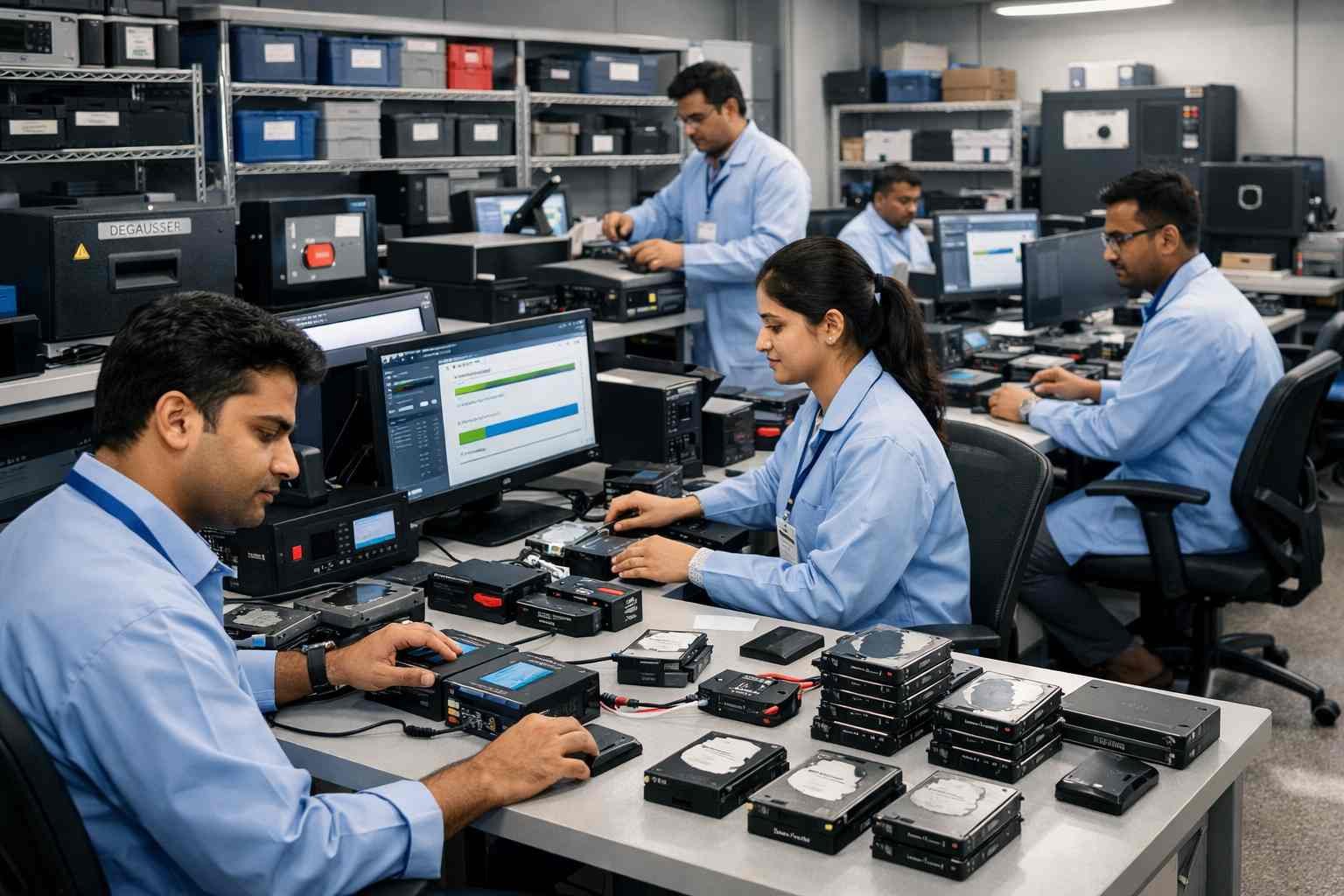
✅ Zero Fill HDD Checklist
1️⃣ Backup any important data
2️⃣ Disconnect other drives to avoid accidental wipes
3️⃣ Choose the method: Windows, Linux or certified tool
4️⃣ Execute zero overwrite on the target drive
5️⃣ Verify completion of the zero-fill process
6️⃣ Reinstall OS if preparing for resale
🔄 Zero Fill SSD / HDD Differences
🔹 HDDs: Zero fill reliably overwrites all sectors
🔹 SSDs: Wear-leveling may prevent certain cells from being overwritten
🔹 Recommendation: Use secure erase for SSDs to ensure permanent data destruction
🏆 Why Certified Zero Fill Services are Recommended
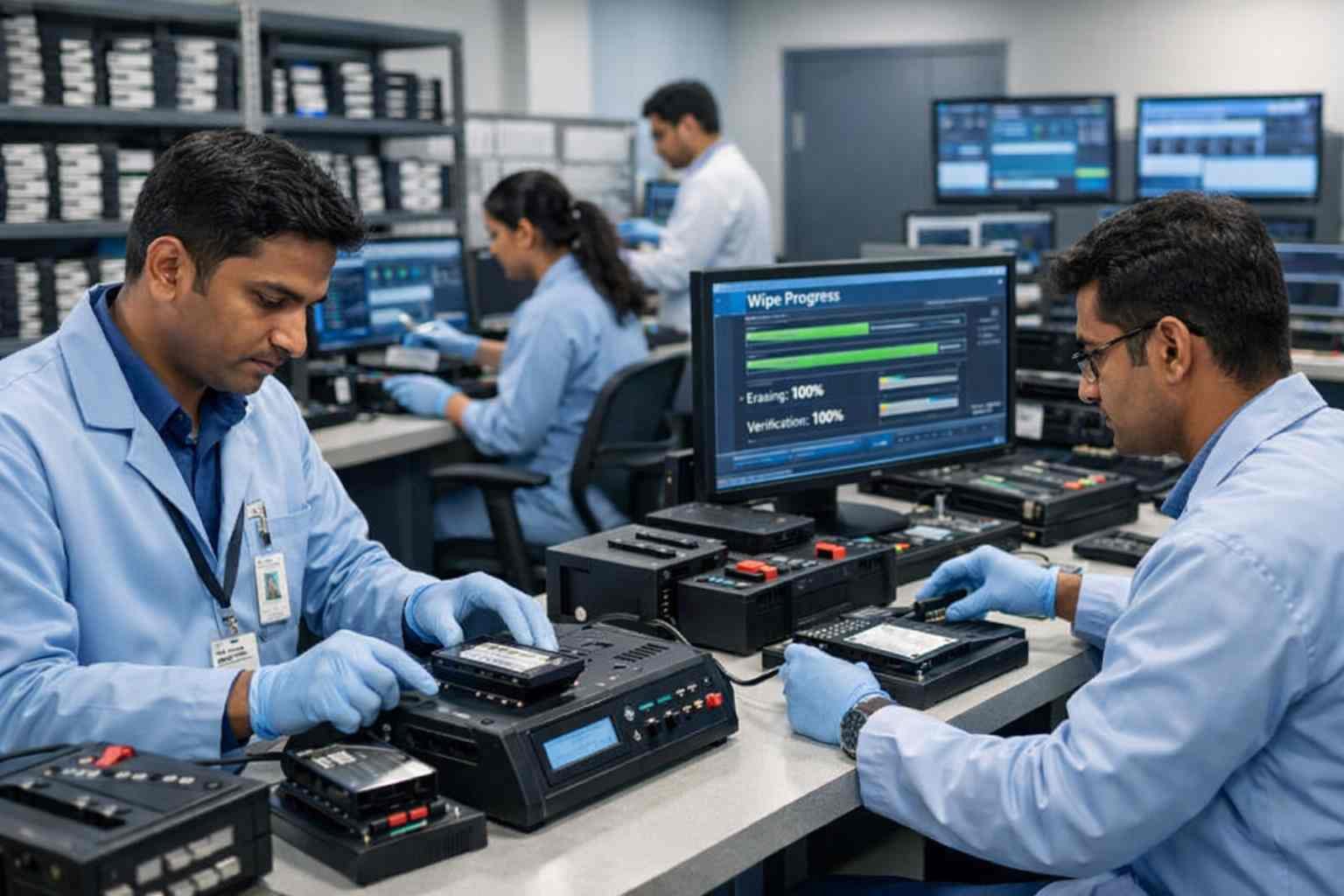
While DIY zero fill works for many users, professional services like Data Sanitizations ensure:
✔️ Certified drive sanitization zero fill
✔️ Automated compliance-ready reports
✔️ Permanent deletion with no data recovery
✔️ Support for HDDs and SSDs
✔️ Faster, safer and verified zero overwrite before sale
🎯 Conclusion
Zero fill HDD is a trusted and effective method for secure data deletion on hard drives. However, for SSDs, a certified secure erase is recommended due to hardware differences.
With Data Sanitizations, you can perform professional zero fill HDD or SSD wiping, receive verified compliance reports and ensure your drives are safe for resale, donation or disposal.